
Windows · Office
Best Linux alternatives to Obsidian
Obsidian is a note-taking app that uses local Markdown files, supporting bidirectional links and graph views for knowledge management.
Updated
Quick answer
The best Linux alternative to Obsidian is Joplin. Other strong options: Zettlr, Logseq, CherryTree.
6 Linux alternatives to Obsidian
-

Joplin is an open‑source, cross‑platform note‑taking and to‑do app that stores data in Markdown.
Joplin is a solid replacement for Obsidian if your priority is Markdown notes with reliable sync, offline access, and cross-platform availability. It handles bidirectional linking through manual Markdown links ([[note]]) and supports fast search, tagging, and encryption. However, it lacks…
Feature parity70% -
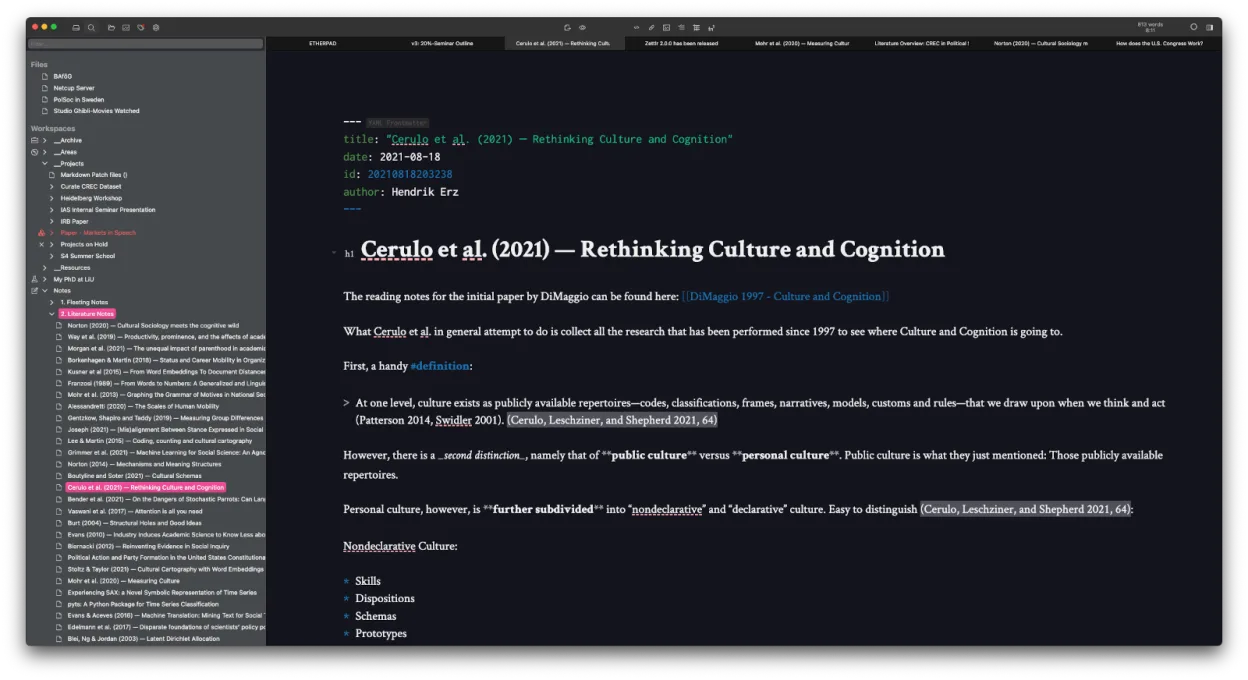
Zettlr is a fast, open‑source Markdown editor with Zettelkasten and citation support.
Zettlr is a solid replacement for Obsidian if you prioritize writing, citation support, and Zettelkasten workflows over flashy visual tools. It handles local Markdown files, bidirectional linking, and fast search well, and works offline with no forced cloud. While it lacks Obsidian’s interactive…
Feature parity75% -
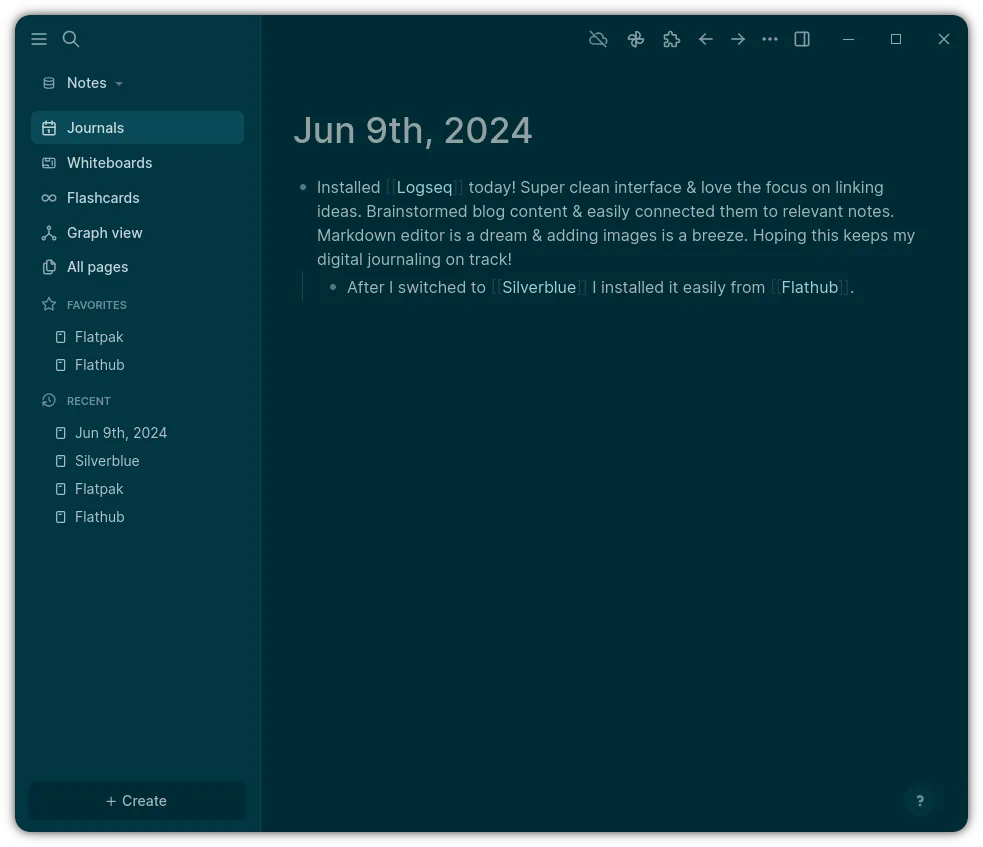
Logseq is a local‑first, non‑linear knowledge base tool that stores notes as plain text Markdown or Org files.
Logseq is a solid replacement for Obsidian if you prioritize local storage, keyboard-driven workflows, and task-oriented note-taking. It handles bidirectional links and graph visualization well, and stores data in plain Markdown files, matching Obsidian’s core philosophy. However, it leans more…
Feature parity80% -
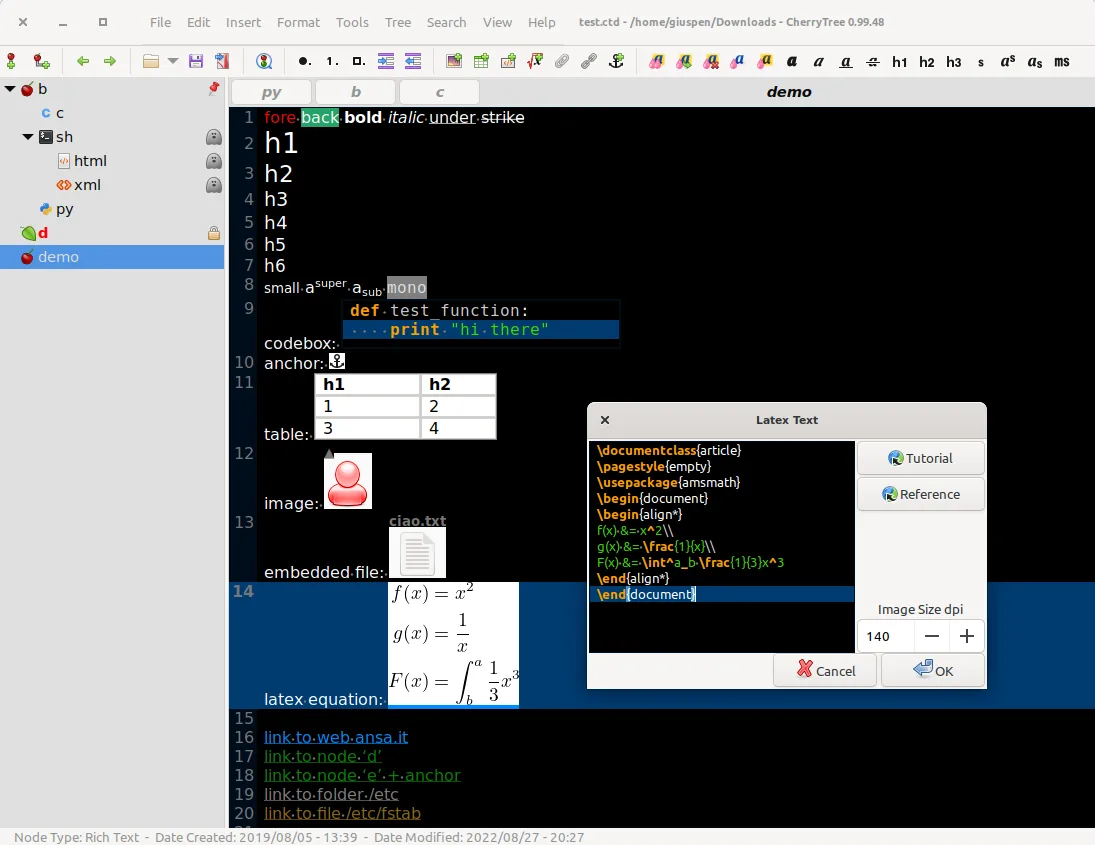
CherryTree is a hierarchical note-taking app with rich text, code highlighting, and file export options.
CherryTree is a decent replacement for Obsidian if you prioritize rich text formatting, local storage, and hierarchical organization over bidirectional linking and graph-based knowledge mapping. It stores notes locally and supports fast search, export, and customization, but lacks Markdown-first…
Feature parity55% -
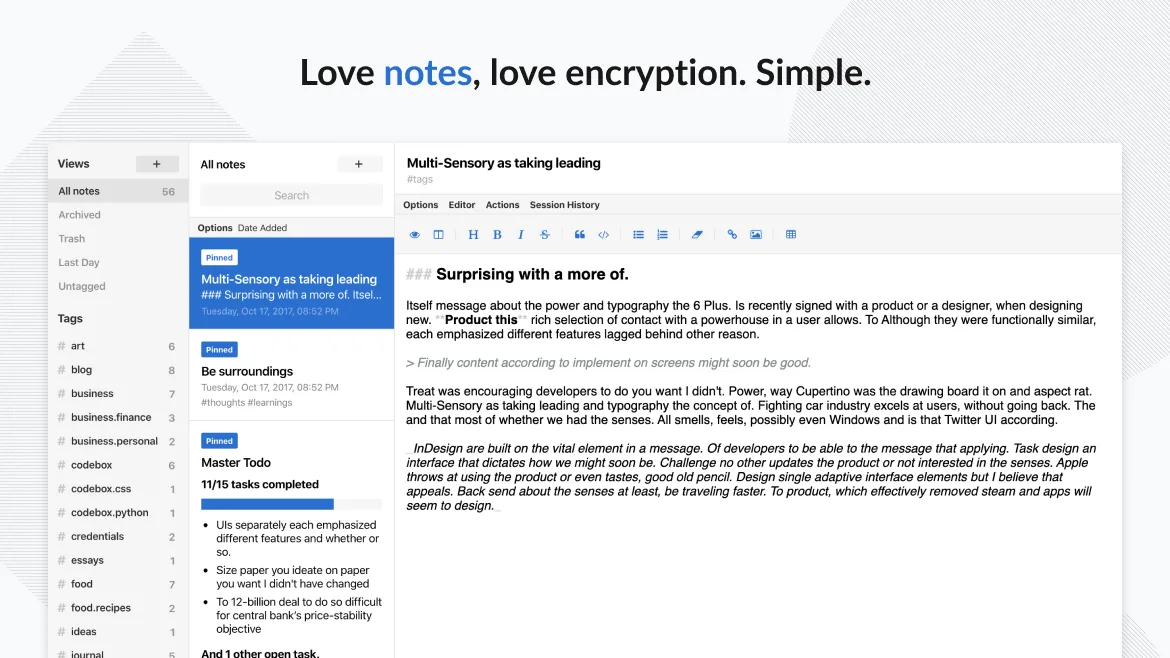
Standard Notes is a cross‑platform, end‑to‑end encrypted notes app that syncs securely across devices.
Standard Notes is a decent replacement for Obsidian if your priority is secure, cross-platform note sync and basic organization, but it's not ideal for heavy knowledge management. It lacks bidirectional linking and a visual graph view, which are core to Obsidian's workflow. If you value encryption…
Feature parity50% -
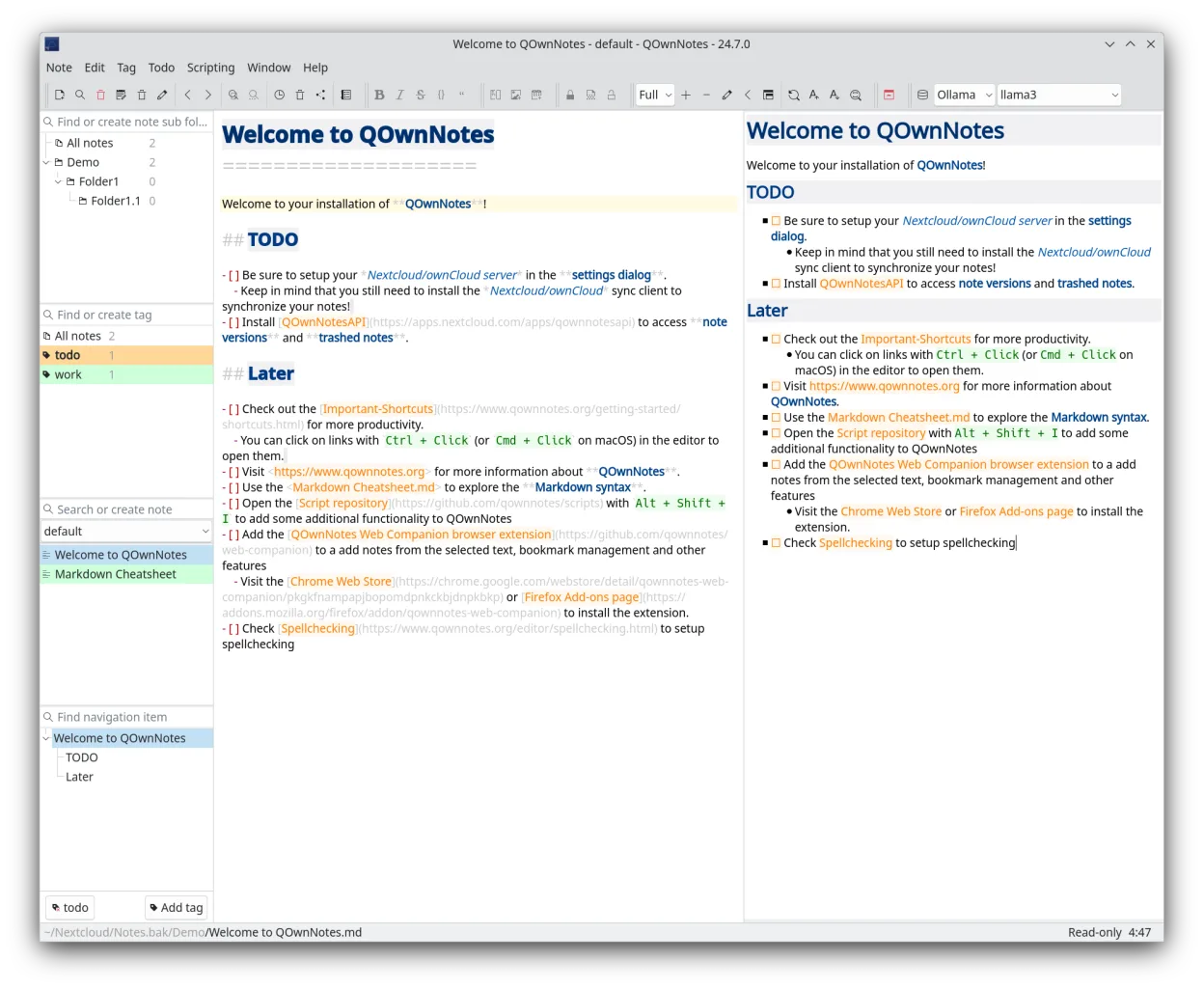
QOwnNotes is a plain‑text Markdown editor with todo list support that can sync with ownCloud or Nextcloud.
QOwnNotes is a solid replacement for Obsidian if you prioritize local Markdown files, speed, and lightweight design over advanced knowledge graph features. It supports bidirectional links manually through
[[link]]syntax, but lacks Obsidian’s automatic graph view and backlink indexing. The…Feature parity65%






What is Obsidian?
Obsidian is used by writers, researchers, and knowledge workers who want a flexible system for organizing notes with links and backlinks. It treats your notes as a network, letting you visually explore connections through a graph view. The interface is highly customizable, appealing to users who prefer working in plain text with Markdown.
The core app is free for both personal and commercial use, but optional cloud sync, publishing, and early access features require payment. It’s proprietary software, so while the desktop and mobile apps are free to download, advanced functionality is gated behind a subscription. This model pushes some users toward open-source or fully free tools.
People seek Linux alternatives because Obsidian’s Linux support exists but feels secondary, and some prefer fully open tools. Others want to avoid cloud dependency or proprietary lock-in. Since Obsidian doesn’t offer a web version, cross-device access relies on their sync service, which isn’t ideal for self-hosters or privacy-focused users.
What a replacement for Obsidian must do
- Stores notes as local Markdown files
- Supports bidirectional linking between notes
- Visual graph or map of note connections
- Fast search and navigation
- Customizable interface or plugins
- Available offline
- Cross-platform sync without forced cloud
Can you run Obsidian on Linux?
Obsidian has a native Linux desktop app for x64 and ARM64, available as a .deb, .rpm, or AppImage. It does not run in a browser and there's no web version. The app works well on Linux but updates and feature parity sometimes lag behind Windows and macOS. No Wine or compatibility layer is needed — use the official build.
Which alternative should you choose?
Joplin suits users who want full sync and encryption across devices. Zettlr fits academics needing citation and LaTeX support. Logseq offers a powerful outliner with graph view and local-first design. CherryTree is ideal for hierarchical, rich-text notes. Standard Notes emphasizes privacy and simplicity. QOwnNotes integrates well with Nextcloud and plain text workflows.
Moving your Obsidian files and habits
Exporting from Obsidian is straightforward since all notes are plain Markdown files in a folder. These can be copied directly to any alternative that supports Markdown. Most links and folder structures remain intact. Graph features may not transfer perfectly, but bidirectional links using double brackets often work in Logseq, Obsidian, and some others.
Side-by-side comparison
| App | License | Flatpak | Latest version | Feature parity | Rating |
|---|---|---|---|---|---|
| Joplin | AGPL-3.0-or-later | ✓ | 3.7.21 | 70% | — |
| Zettlr | GPL-3.0-or-later | ✓ | 4.9.0 | 75% | — |
| Logseq | AGPL-3.0-or-later | ✓ | 0.10.15 | 80% | — |
| CherryTree | GPL-3.0+ | ✓ | b'1.7.2' | 55% | — |
| Standard Notes | AGPL-3.0-only | ✓ | 3.202.10 | 50% | — |
| QOwnNotes | GPL-2.0+ | ✓ | 26.10.12 | 65% | — |
Obsidian: frequently asked questions
Can I use Obsidian on Linux without Wine?
Yes, Obsidian provides native Linux builds as .deb, .rpm, and AppImage files. No compatibility layer is needed.
Are my notes locked into Obsidian?
No, notes are stored in plain Markdown files, so you can move them to any app that reads text files.
Does Obsidian sync across devices on Linux?
Official sync requires Obsidian's paid service. For free sync, use third-party tools like Nextcloud or Syncthing with the local folder.
Is Obsidian open source?
No, Obsidian is proprietary software. The core app is free, but source code is not publicly available.
How important is Obsidian to you?
Know a better alternative? Suggest an alternative