
Windows · Graphics
Best Linux alternatives to SketchBook
SketchBook is a free, pressure-sensitive raster drawing app for sketching and concept art, now paid on Windows.
Updated
Quick answer
The best Linux alternative to SketchBook is Krita. Other strong options: MyPaint, GIMP, Pinta.
5 Linux alternatives to SketchBook
-

Krita is a full‑featured open‑source digital painting and illustration program.
Krita is a strong, free replacement for SketchBook, especially for users who outgrew SketchBook's simplicity. It handles pressure-sensitive sketching and concept art with a robust raster engine. The interface is denser than SketchBook's minimal layout, so there is a learning curve. If you want a…
Feature parity85% -
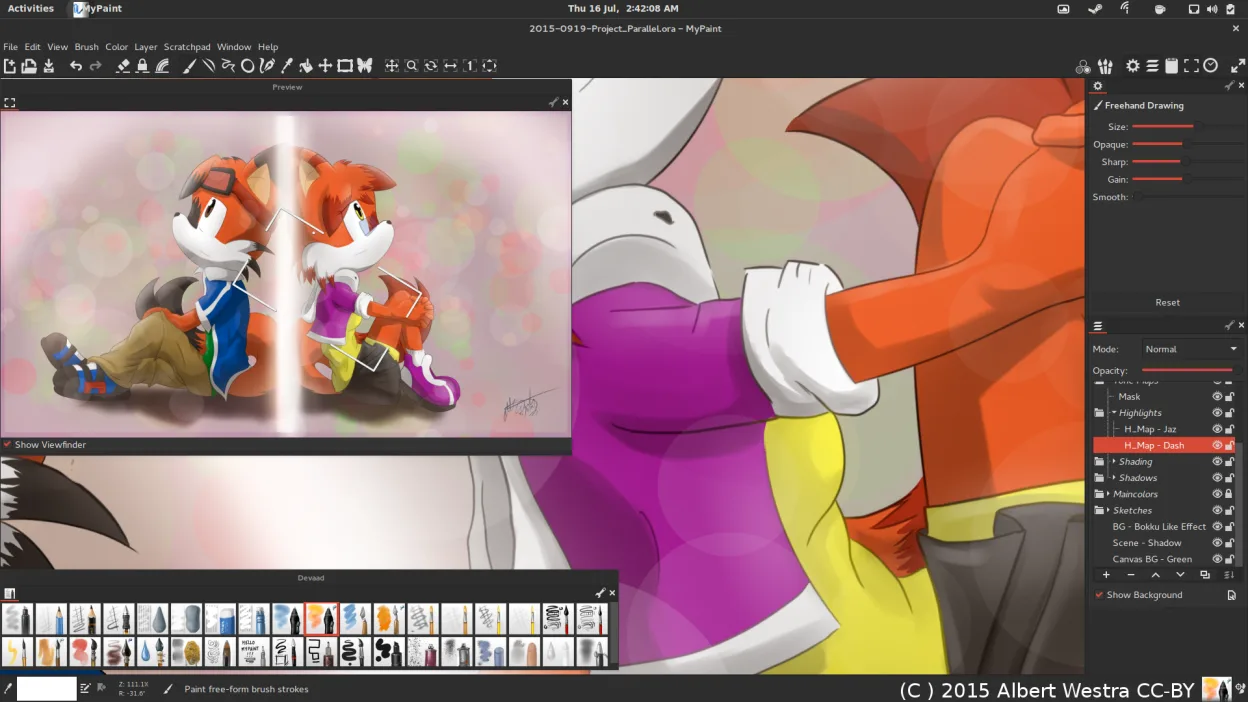
MyPaint is a fast, free, open‑source raster painting program focused on brush dynamics and tablet use.
MyPaint is a solid replacement for SketchBook if you prioritize brush fidelity and tablet performance over polished UI. It matches SketchBook's core strength: pressure-sensitive raster drawing with a minimal interface. However, it is not a drop-in swap. MyPaint lacks the tight, modern workflow and…
Feature parity85% -
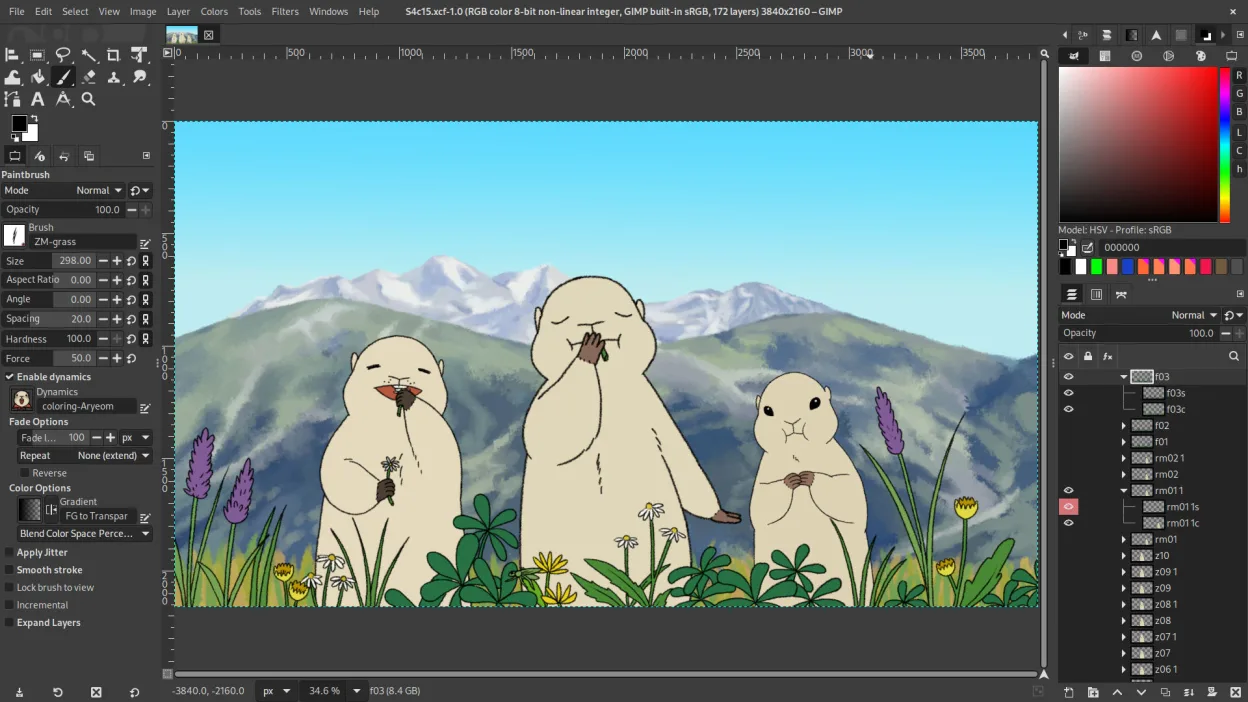
GIMP is a free, open-source raster graphics editor for photo editing, digital painting, and image composition.
GIMP is a viable but different replacement for SketchBook. It handles pressure-sensitive drawing and raster editing well, but it is a general-purpose editor, not a dedicated sketching tool. The interface is more complex and less minimal than SketchBook's. It suits users who need professional-grade…
Feature parity75% -

Pinta is a free, open‑source bitmap editor that mimics Paint.NET with a simple interface and layer support.
Pinta is a decent entry-level replacement for SketchBook if you need a simple, free raster editor with layers. It handles basic sketching, shapes, and effects well, mirroring Paint.NET’s logic. However, it lacks the dedicated pressure-sensitive brush engine and minimal, distraction-free layout that…
Feature parity55% -
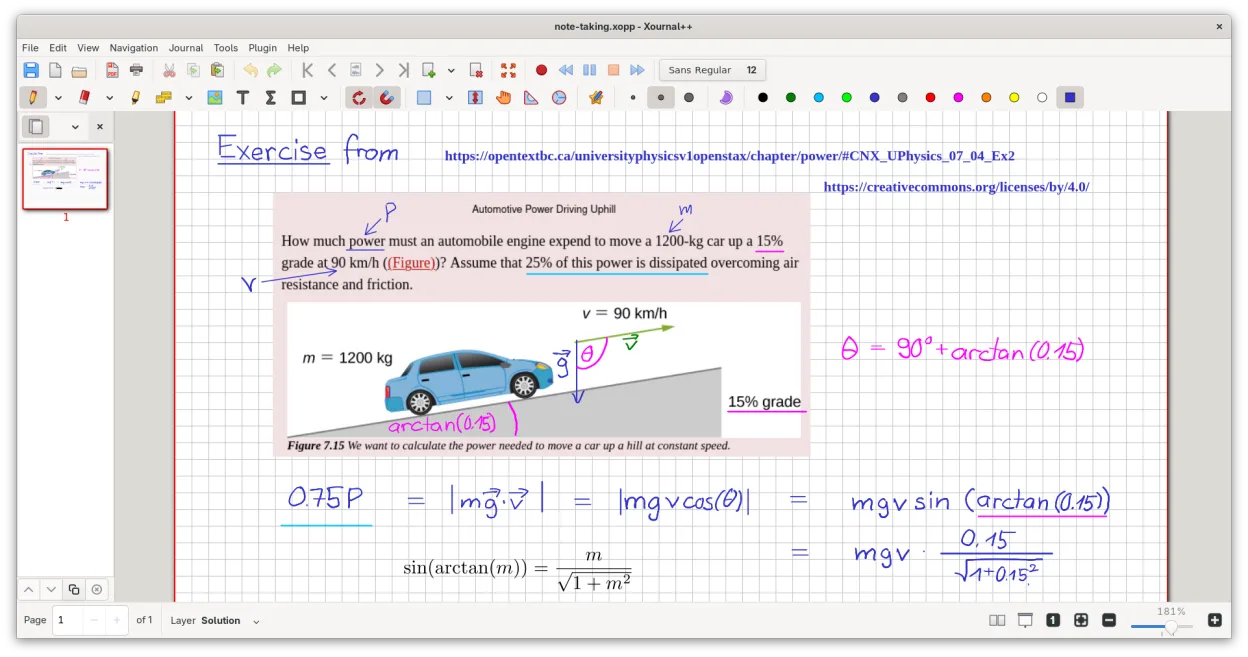
A cross-platform, open-source note-taking app for handwriting, PDF annotation, and whiteboarding with stylus support.
Xournal++ is a solid replacement for SketchBook if your workflow centers on vector-like sketching, annotation, or technical drawing. It handles pressure-sensitive input well and offers a clean, minimal interface. However, it is not a raster painting engine. If you rely on complex brush dynamics…
Feature parity65%



What is SketchBook?
SketchBook is designed for artists, students, and hobbyists who need a quick, clean interface for expressive drawing and concept sketching. It prioritizes a distraction-free canvas and strong pressure-sensitive brush support, making it popular for initial ideation and digital illustration without the complexity of full pro suites.
Originally freeware for personal use, the desktop version became a paid subscription or one-time purchase in 2021. While mobile versions remain free, the Windows and macOS desktop apps are now sold through app stores. This shift in licensing has prompted many users to seek open-source alternatives that retain the core drawing experience without ongoing costs.
Linux users look for alternatives because the native Windows app is no longer free and may not install easily on non-Windows systems. Many Linux artists prefer native applications that integrate well with their workflow, support standard file formats, and offer robust pressure sensitivity without relying on compatibility layers or web-based limitations.
What a replacement for SketchBook must do
- Pressure-sensitive brush support
- Clean, minimal interface
- Raster-based drawing engine
- Layer management
- Export to common image formats
- Stable performance on various hardware
Can you run SketchBook on Linux?
There is no official native Linux version of SketchBook. The Windows version can potentially run via Wine or Proton, but success varies depending on your distribution and graphics drivers. Since it is a relatively simple raster app, it often works, but you may encounter issues with pressure sensitivity or specific UI elements. It is generally safer to use native Linux drawing software to ensure full hardware compatibility and stability.
Which alternative should you choose?
Krita is the best all-around replacement, offering professional-grade features, excellent brush engines, and a clean interface similar to SketchBook. MyPaint is ideal if you want a distraction-free, full-screen drawing experience focused purely on the canvas. GIMP is suitable if you need more complex image editing alongside drawing, though its UI is more cluttered. Pinta is a lightweight option for simple tasks. Xournal++ is better for note-taking than illustration, and Inkscape is for vector graphics, so they are less direct replacements for raster sketching.
Moving your SketchBook files and habits
SketchBook files are typically saved in .sketch format or standard image formats like PNG and JPEG. If you have existing projects, export them as PNG or TIFF to preserve layers and quality. Krita and GIMP can import these standard formats easily. If you have .sketch files, you may need to convert them to a universal format using an online tool or the original software before importing them into Linux applications, as native support for the proprietary .sketch format is limited.
Side-by-side comparison
SketchBook: frequently asked questions
Is SketchBook free on Linux?
No, the official app is paid on Windows and macOS. However, native Linux alternatives like Krita and MyPaint are completely free and open-source.
Can I use my SketchBook brushes on Linux?
Directly, no. You would need to convert brush files to a format supported by Krita or MyPaint, which can be a manual process. However, these apps have extensive built-in brush libraries that cover most needs.
Does Krita support pressure sensitivity?
Yes, Krita has excellent support for pressure-sensitive tablets, including Wacom, Huion, and XP-Pen devices, often outperforming SketchBook in customization options.
Is MyPaint better for beginners?
MyPaint is very simple and focused on drawing, which can be good for beginners. However, Krita is more versatile and has a larger community, making it easier to find tutorials and help.
How important is SketchBook to you?
Know a better alternative? Suggest an alternative