
Windows · Programming
Best Linux alternatives to GitHub Desktop
GitHub Desktop is a cross‑platform GUI that lets users clone, branch, and push to GitHub repos without the command line.
Updated
Quick answer
The best Linux alternative to GitHub Desktop is GitKraken. Other strong options: Lazygit, gitg, Git Cola.
5 Linux alternatives to GitHub Desktop
-
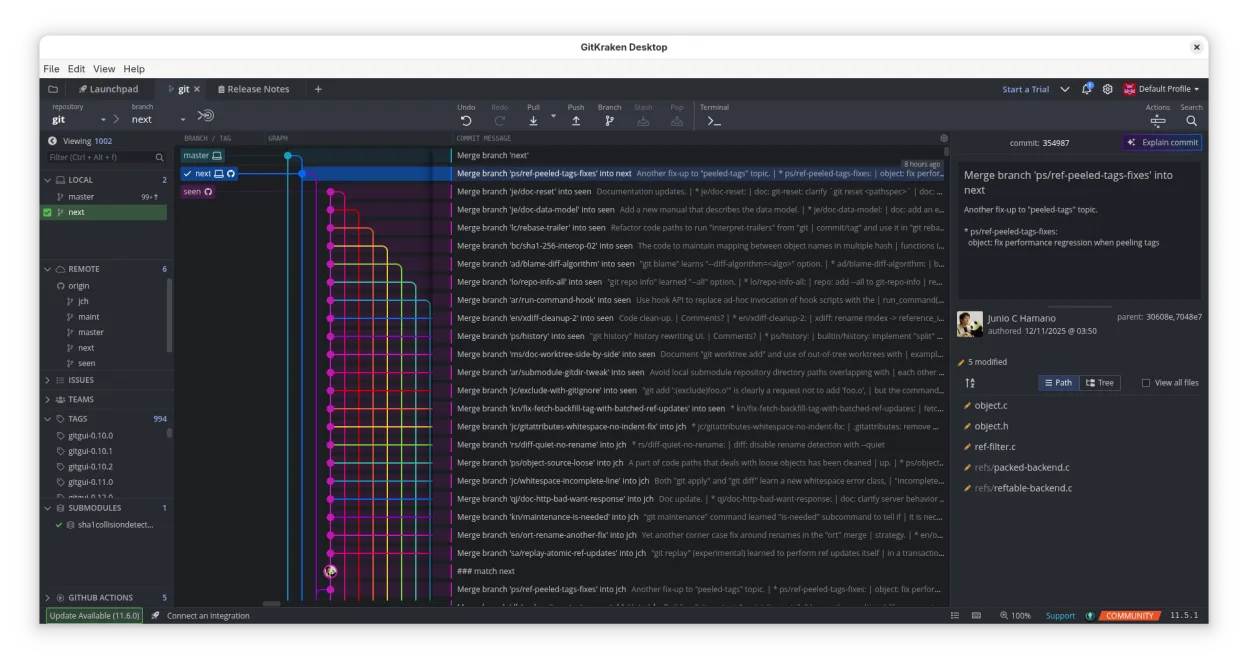
GitKraken is a cross‑platform Git client with integrated issue tracking and code editing.
GitKraken is a strong, feature-rich replacement for GitHub Desktop on Linux, particularly if you want more visual control over complex Git operations. It handles cloning, branching, committing, and pushing with a more intuitive drag-and-drop interface than GitHub Desktop. The main drawback is that…
Feature parity90% -
A fast and user-friendly terminal UI for Git that simplifies complex workflows without leaving your command line.
Lazygit can replace GitHub Desktop for users comfortable with a terminal‑centric UI. It covers the essential Git operations—cloning, branching, committing, pushing, pulling and conflict resolution—without leaving the console, and it works on any Linux distribution that provides a package. It’s best…
Feature parity78% -
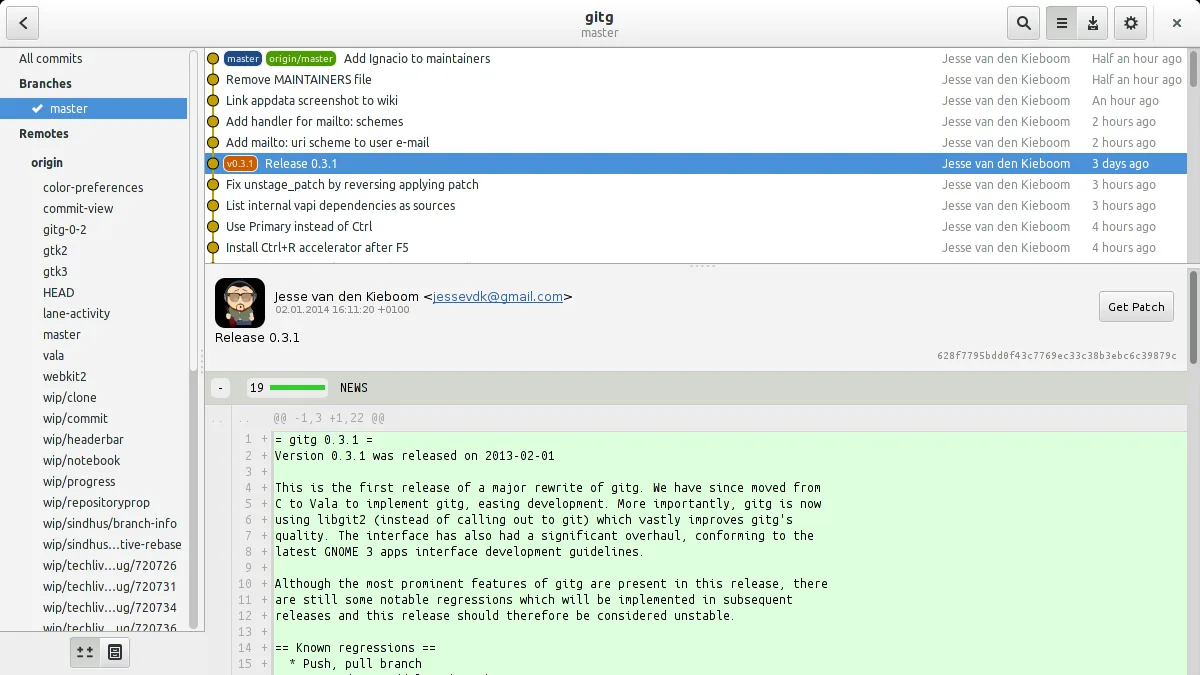
Gitg is a lightweight graphical interface for Git that visualizes commit history and manages repositories.
gitg can replace GitHub Desktop for users who only need basic Git operations and commit history visualization. It supports cloning, branching, committing, pulling, and pushing to GitHub, and shows diffs and merge conflicts. It lacks built‑in issue or pull‑request integration, so teams that rely on…
Feature parity70% -
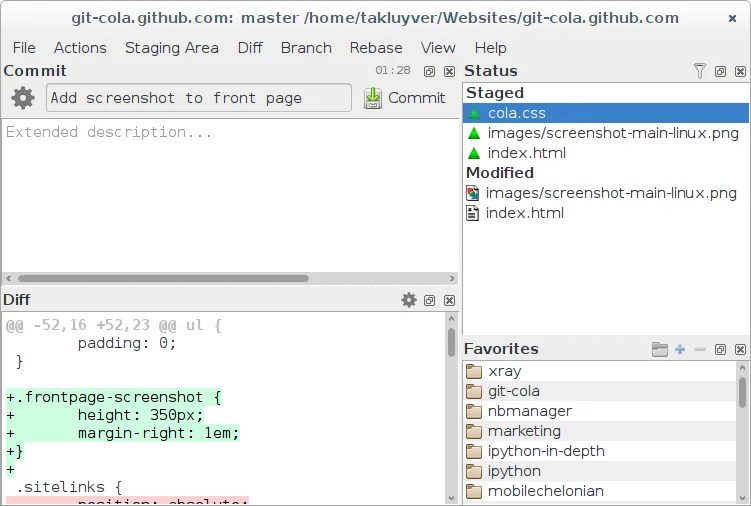
Git Cola is a lightweight, feature‑rich graphical Git client for Linux.
Git Cola can replace GitHub Desktop for users who are comfortable with a more traditional Git GUI and want a lightweight, highly configurable client. It covers cloning, branching, committing, pushing/pulling, viewing history, resolving conflicts, and even integrates with GitHub issues via the…
Feature parity85% -
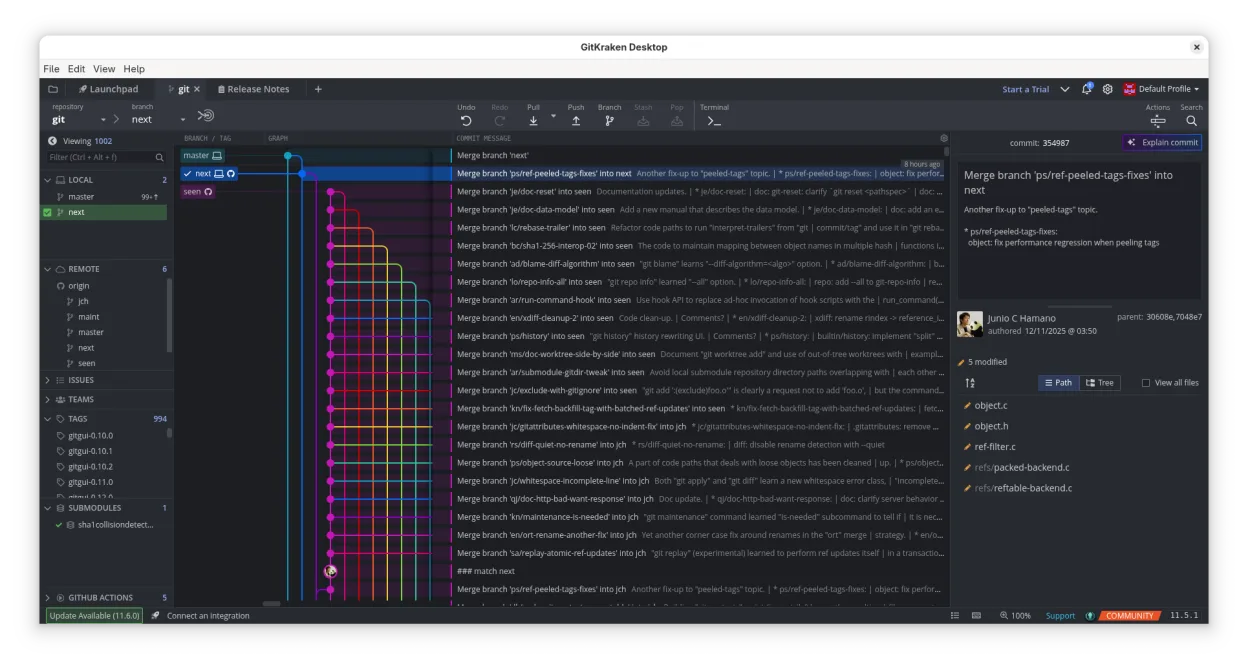
GitKraken is a cross‑platform Git client with visual history, built‑in editor and integrated issue board.
GitKraken can replace GitHub Desktop for users who want a richer visual interface and integrated issue tracking, especially on Linux. It covers most everyday tasks—cloning, branching, committing, pushing, pulling, viewing history, resolving conflicts—and adds a built‑in editor and Glo Boards. It is…
Feature parity85%




What is GitHub Desktop?
GitHub Desktop is a lightweight graphical client that simplifies common Git operations for developers who prefer a point‑and‑click interface. It is used by hobbyists, students, and small teams that want to avoid the learning curve of the Git command line. The tool is free and open source, distributed under the MIT license, and is available for Windows, macOS, and Linux.
Because many developers work on Linux but still need a friendly Git client, they look for alternatives that run natively on the platform. A native Linux version eliminates the need for compatibility layers and provides better integration with the desktop environment.
The Linux ecosystem offers several options that cover the same core features: GitKraken, Lazygit, gitg, and Git Cola. Each has its own strengths and trade‑offs, so choosing the right one depends on workflow preferences and system resources.
What a replacement for GitHub Desktop must do
- Clone repositories from GitHub
- Create, switch, and delete branches
- Commit changes with a GUI
- Push and pull to/from remote
- View commit history and diffs
- Resolve merge conflicts
- Integrate with GitHub issues and pull requests
Can you run GitHub Desktop on Linux?
All listed alternatives have native Linux builds. GitKraken ships as a .deb/.rpm package and runs on most distributions. Lazygit is a terminal UI written in Go and works out of the box on any distro with Go or a prebuilt binary. gitg is part of the GNOME project and runs on any GNOME‑based desktop. Git Cola is a Qt application that can be installed from package managers or via pip. None of them rely on Wine or Proton; they are designed for Linux from the start.
Which alternative should you choose?
If you want a polished, feature‑rich GUI with a modern look, GitKraken is the best fit. For a lightweight terminal‑based experience, Lazygit is ideal. Developers who prefer a native GNOME app should try gitg. If you need a highly configurable Qt interface, Git Cola is the right choice.
Moving your GitHub Desktop files and habits
All alternatives read the standard Git repository format, so you can clone your existing repos without any changes. No special export is required. If you use GitHub Desktop’s local configuration files (e.g., credential helpers), you may need to re‑configure authentication in the new client, but the repository data itself remains intact.
Side-by-side comparison
GitHub Desktop: frequently asked questions
Is GitKraken free for all users?
GitKraken offers a free tier for individuals and small teams. Larger teams or enterprise features require a paid subscription.
Can I use Lazygit on a headless server?
Yes, Lazygit runs in a terminal, so it works on any server with an SSH session.
Does gitg support submodules?
gitg can display submodule status, but it does not provide a dedicated submodule management UI.
Will Git Cola show pull request information?
Git Cola focuses on Git operations; it does not integrate pull request data from GitHub.
How important is GitHub Desktop to you?
Know a better alternative? Suggest an alternative