
Windows · Graphics
Best Linux alternatives to Luminar AI
Luminar AI is an AI-powered photo editor for Windows and macOS that simplifies advanced editing with automated tools.
Updated
Quick answer
The best Linux alternative to Luminar AI is darktable. Other strong options: RawTherapee, GIMP, digiKam.
5 Linux alternatives to Luminar AI
-
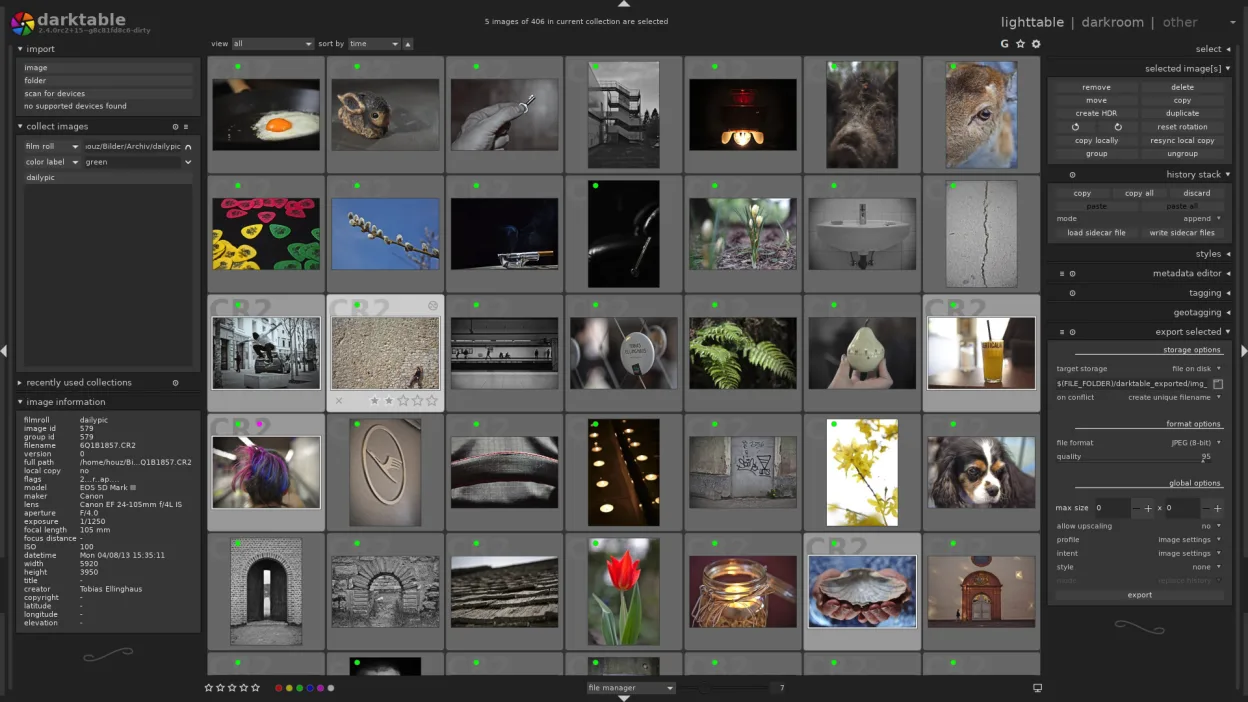
darktable is a free, open‑source photo editor that manages raw files and offers a full non‑destructive workflow.
darktable can replace Luminar AI for users who need a free, open‑source, non‑destructive raw workflow and are comfortable with a more hands‑on editing process. It lacks the AI‑driven sky and portrait enhancement presets that Luminar AI offers, but it covers most core tasks like raw processing…
Feature parity60% -

RawTherapee is an open‑source, cross‑platform raw photo development program.
RawTherapee is a strong replacement for the raw development and manual adjustment aspects of Luminar AI, but it is not a direct one-to-one swap. It excels at non-destructive editing, color management, and noise reduction with deep technical control. However, it lacks Luminar AI’s automated AI…
Feature parity45% -
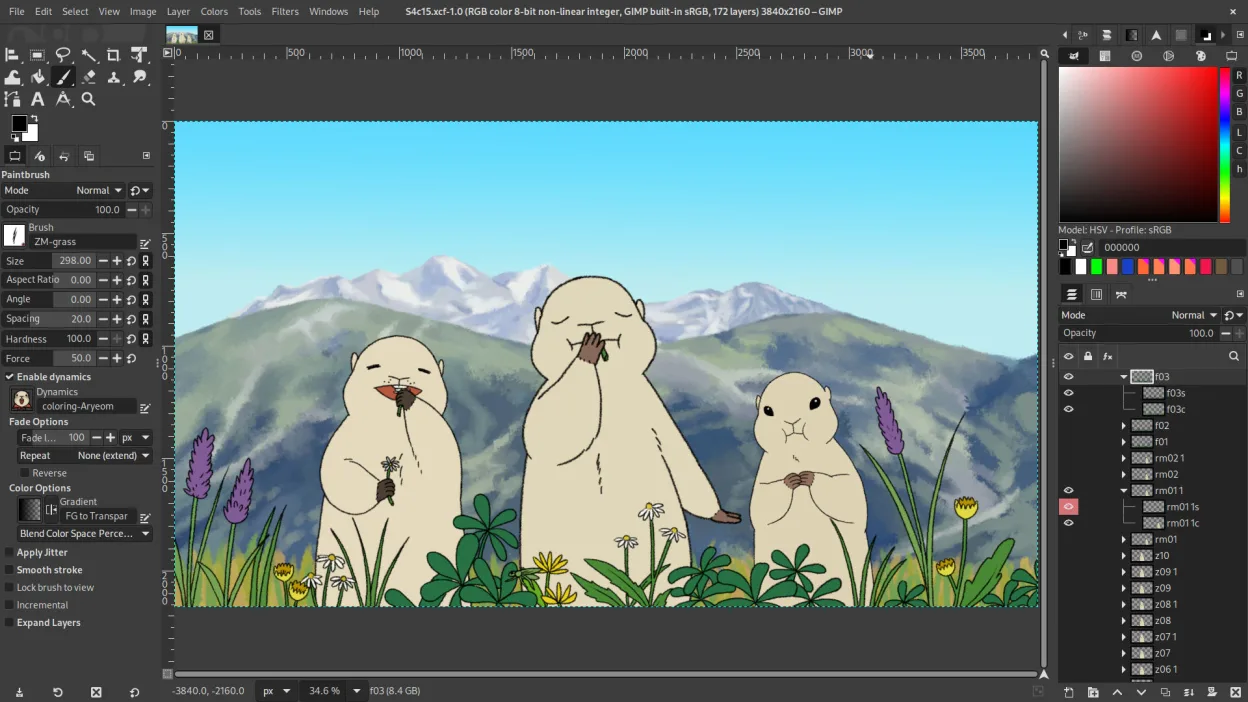
GIMP is a free, open-source raster graphics editor for photo editing, digital painting, and image composition.
GIMP is not a direct replacement for Luminar AI for users who rely on AI-powered automation for sky replacement, face editing, or one-click style application. It excels as a manual photo editor with deep layer and mask control, making it suitable for advanced users comfortable with hands-on…
Feature parity40% -
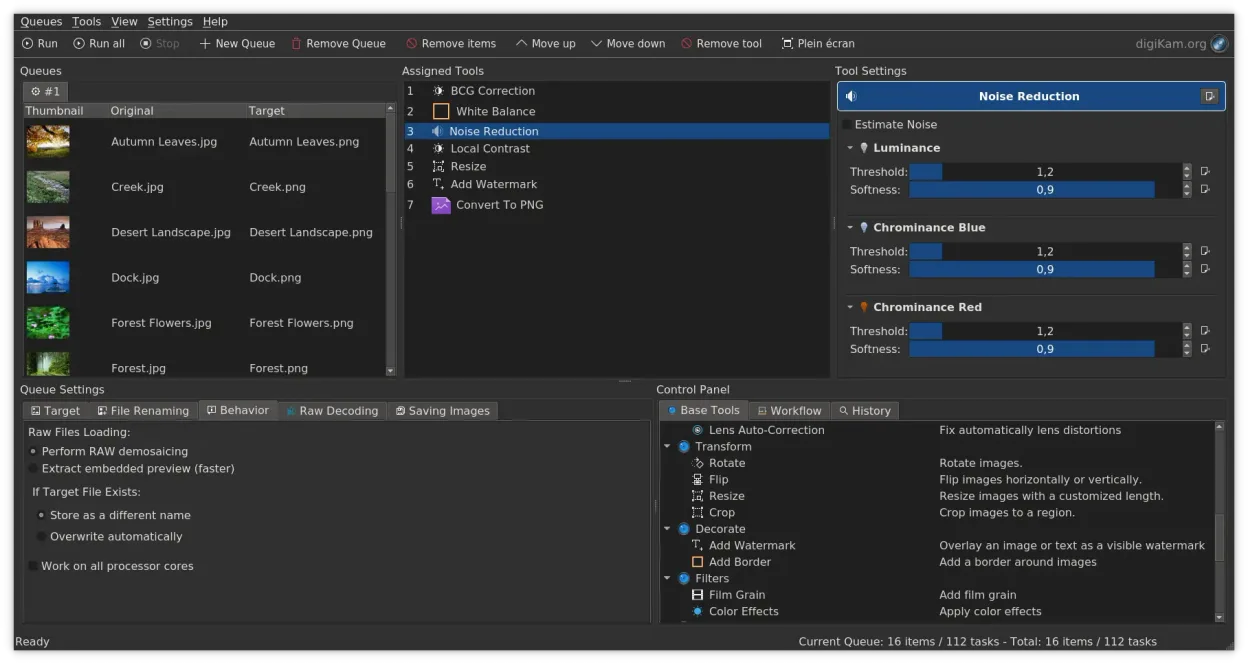
digiKam is a comprehensive KDE photo manager for organizing, tagging, and editing digital photos with strong RAW support.
digiKam can replace Luminar AI for users who need solid RAW handling, non‑destructive adjustments, and strong organization tools, but it lacks the AI‑driven sky replacement, face‑aware portrait retouching, and style presets that define Luminar AI. If you are comfortable using separate plugins or…
Feature parity55% -

LightZone is a free, open‑source RAW photo editor with a non‑destructive tool‑stack workflow.
LightZone is a solid, free alternative for users who prioritize non-destructive RAW processing and linear color workflows over AI automation. It handles selective edits via zones and supports batch processing, covering the technical core of Luminar AI. However, it lacks the automated AI tools for…
Feature parity45%




What is Luminar AI?
Luminar AI is designed for photographers who want quick, intelligent editing without deep technical knowledge. It uses AI to handle sky replacement, portrait enhancements, and lighting adjustments, making it popular among hobbyists and semi-pros who value speed over manual control.
The software is sold by Skylum as a paid product, often with a one-time purchase or subscription option. It's not open source, and there's no free version beyond limited-time trials. Licensing is tied to user accounts, with activation limits.
People seek Linux alternatives because Luminar AI has no native Linux support. Since it's built specifically for Windows and macOS, Linux users must find comparable tools that offer similar AI-driven editing features or raw processing capabilities directly on their OS.
What a replacement for Luminar AI must do
- AI-powered sky and face editing
- Non-destructive raw photo editing
- Layer-based adjustments
- Portrait enhancement tools
- Batch processing
- Noise reduction and sharpening
- Presets and style automation
Can you run Luminar AI on Linux?
Luminar AI does not have a native Linux version. It is not available as a web app. The program may run via Wine or Bottles, but performance is inconsistent and AI features often fail. Proton is not applicable since it's not a Steam app. No reliable method exists for running it smoothly on Linux.
Which alternative should you choose?
For raw processing and non-destructive editing, darktable and RawTherapee are strong choices, with darktable offering a more modern interface. GIMP suits users needing layer-based edits similar to Photoshop. digiKam works well for photo management alongside editing. LightZone focuses on tone and color but is less actively developed.
Moving your Luminar AI files and habits
Luminar AI uses proprietary edits stored in catalogs; export to DNG or TIFF for compatibility. Most Linux tools read standard raw formats (DNG, CR2, NEF). Presets and layers won’t transfer directly. Use sidecar XMP files from darktable or RawTherapee to maintain edit history across apps.
Side-by-side comparison
| App | License | Flatpak | Latest version | Feature parity | Rating |
|---|---|---|---|---|---|
| darktable | GPL-3.0+ | ✓ | 5.6.2 | 60% | — |
| RawTherapee | GPL-3.0+ | ✓ | 5.13 | 45% | — |
| GIMP | GPL-3.0+ AND LGPL-3.0+ | ✓ | 3.2.8 | 40% | — |
| digiKam | GPL-2.0+ | ✓ | 9.1.0 | 55% | — |
| LightZone | BSD-3-Clause | ✓ | 5.0.2 | 45% | — |
Luminar AI: frequently asked questions
Can I run Luminar AI on Linux using Wine?
Partial functionality may work, but AI features often crash or fail. Expect instability and no official support.
Is there a free alternative to Luminar AI on Linux?
Yes. darktable, RawTherapee, and GIMP are free and offer overlapping features, though AI tools are more limited.
Does darktable support sky replacement like Luminar AI?
Not natively. Sky replacement requires manual work or plugins; it’s less automated than in Luminar.
Can I use my Luminar AI presets in RawTherapee?
No. Presets are not compatible. You’ll need to recreate looks manually using RawTherapee’s tools.
How important is Luminar AI to you?
Know a better alternative? Suggest an alternative