
Windows · Internet
Best Linux alternatives to Microsoft OneDrive
OneDrive is Microsoft's cloud sync client, keeping local files mirrored to the cloud for backup and sharing across devices.
Updated
Quick answer
The best Linux alternative to Microsoft OneDrive is RClone Manager. Other strong options: Nextcloud Desktop Client, Seafile Client.
3 Linux alternatives to Microsoft OneDrive
-
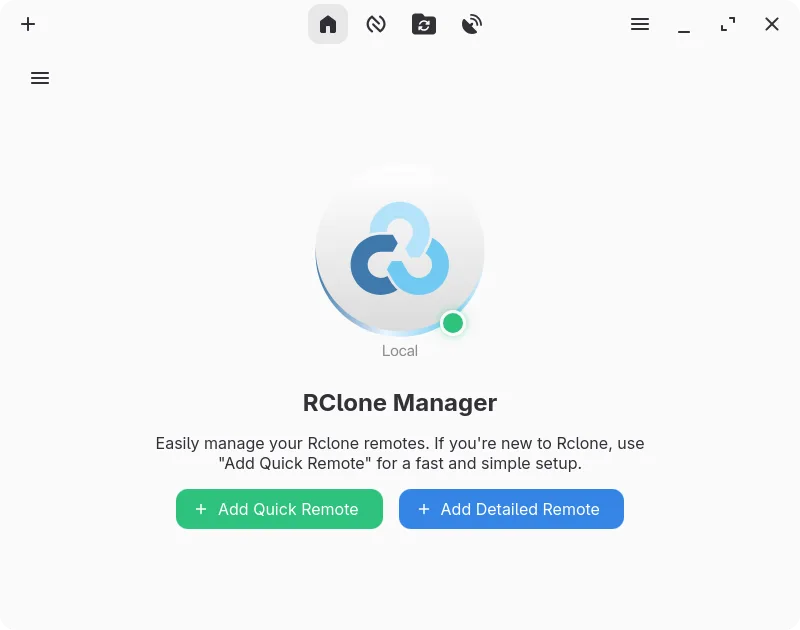
A graphical interface for rclone that lets you manage cloud storage accounts without using the command line.
RClone Manager can replace OneDrive for users who need a flexible, cross‑platform sync tool and are comfortable with a more feature‑rich interface than the stock client. It supports OneDrive as a provider, offers two‑way sync, selective sync via mount options, and file versioning through the…
Feature parity70% -
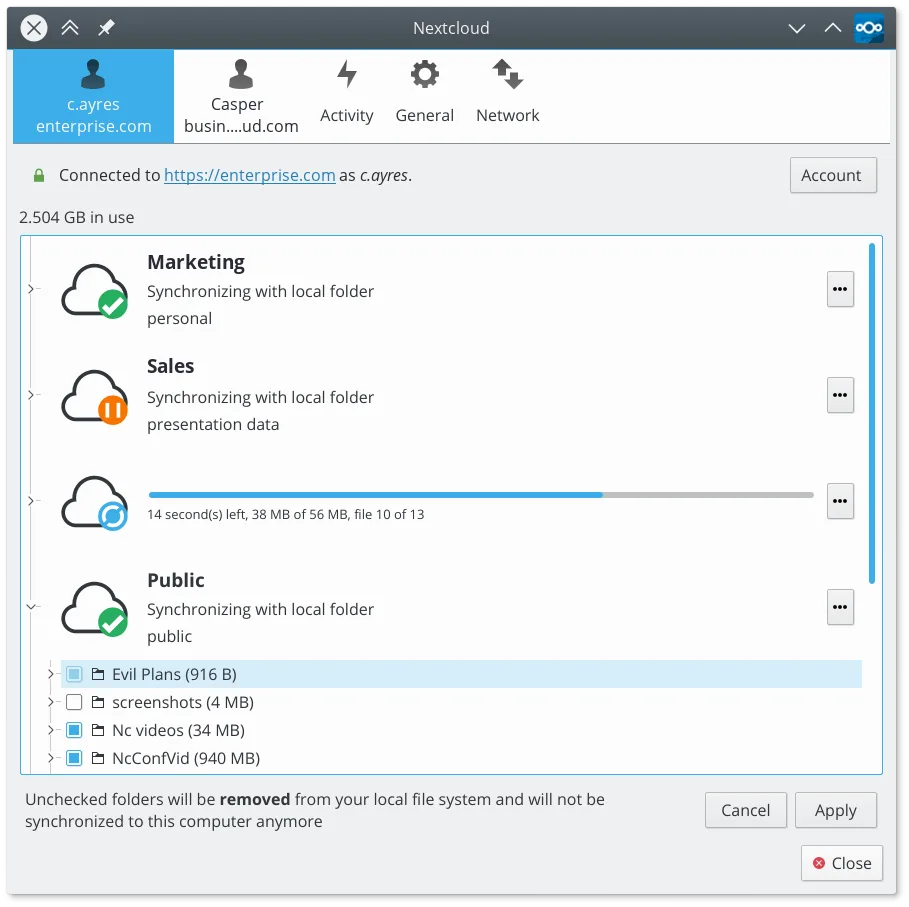
Syncs files between your Linux desktop and a Nextcloud server, keeping documents and photos up to date across devices.
Nextcloud Desktop Client is a solid replacement for Microsoft OneDrive if you are willing to self-host or use a third-party provider. It handles two-way sync, versioning, and sharing effectively. The main hurdle is that it does not connect to Microsoft's servers, so you lose direct compatibility…
Feature parity85% -
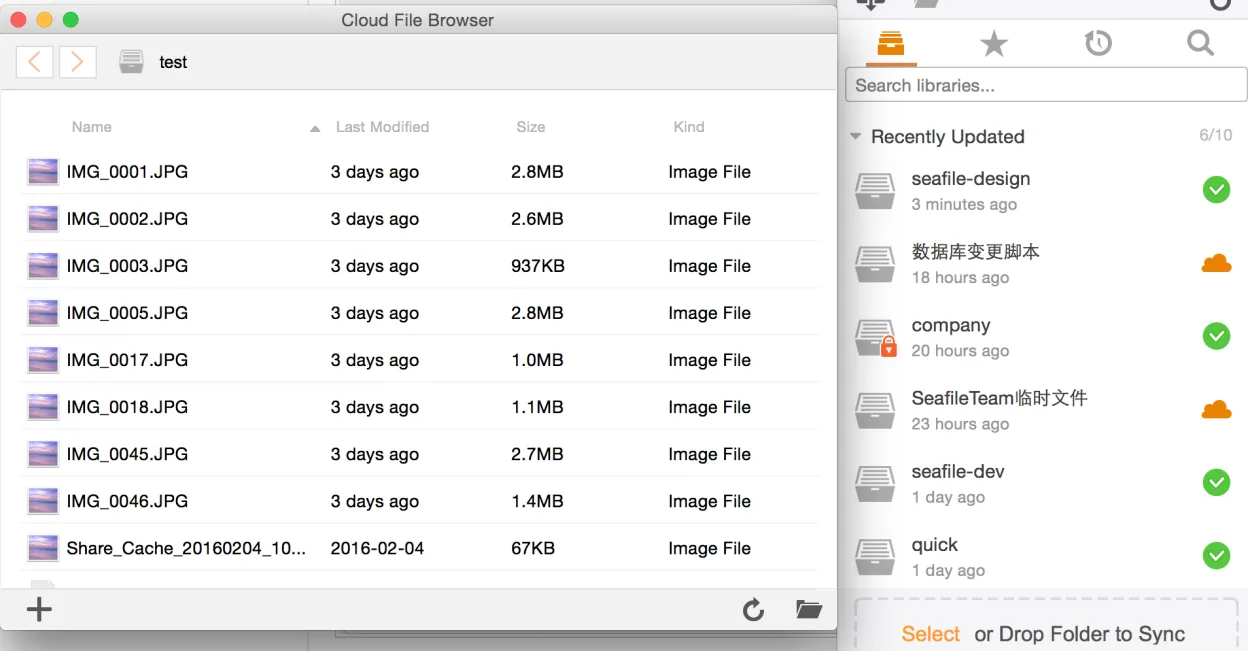
Seafile is a cross‑platform file‑sync client that keeps local folders in sync with a Seafile server, similar to OneDrive but open source.
Seafile Client is a strong replacement for Microsoft OneDrive if you are willing to self-host or use a third-party Seafile server. It handles two-way sync, versioning, and cross-platform sharing effectively. However, it is not a drop-in replacement for users who rely on Microsoft’s managed cloud…
Feature parity75%



What is Microsoft OneDrive?
OneDrive serves as the primary cloud storage and synchronization tool for Windows users, particularly those invested in the Microsoft ecosystem. It automatically backs up documents, photos, and desktop files, ensuring they are accessible from any device. Professionals rely on it for file sharing and version control within Microsoft 365 workflows, while casual users use it for simple cross-device file access.
The service operates on a freemium model. New users receive 5 GB of free storage, which is often insufficient for serious backup needs. Paid tiers offer 100 GB, 1 TB, or 6 TB, typically bundled with Microsoft 365 subscriptions. The client itself is free to download, but meaningful storage capacity requires a monthly or annual fee, making it a recurring cost for heavy users.
Users seek Linux alternatives primarily because the official OneDrive client for Linux is often unstable, resource-heavy, or lacks feature parity with the Windows version. Many prefer open-source sync tools that offer end-to-end encryption, self-hosting options, or better integration with the Linux desktop environment. Others simply want to escape subscription costs or avoid vendor lock-in by moving to a more transparent, community-driven solution.
What a replacement for Microsoft OneDrive must do
- Automatic two-way synchronization of local folders to the cloud
- File versioning and history recovery
- Selective sync to save local disk space
- Cross-platform compatibility for sharing with non-Linux users
- Secure file transfer and sharing links
- Low resource consumption during background sync
- Integration with desktop file managers
Can you run Microsoft OneDrive on Linux?
Microsoft provides an official OneDrive client for Linux, but it is widely reported to be buggy, slow, and less feature-complete than its Windows counterpart. It works, but many users find it unreliable for critical backups. There is no native Windows version that runs well via Wine for this specific sync task, as the underlying services are tightly integrated with the OS. If the official Linux client fails, users often resort to web access or third-party tools, though direct sync via Wine is generally not recommended for stability.
Which alternative should you choose?
If you must stay within the Microsoft ecosystem, try the official onedrive client first, but expect potential instability. For users who want to leave OneDrive entirely and control their own data, Nextcloud Desktop Client is the best choice if you have a server or use a provider like Nextcloud. RClone Manager is ideal for power users who want a graphical interface over the powerful RClone command-line tool, supporting many cloud providers. SyncThingy (likely referring to Syncthing) is perfect for peer-to-peer sync without a central server, while Seafile Client is a solid option for self-hosted, encrypted file syncing with strong versioning.
Moving your Microsoft OneDrive files and habits
Migrating away from OneDrive involves downloading all your files locally before disconnecting the service. Since OneDrive stores files in standard formats (DOCX, PDF, JPG, etc.), there is no format conversion needed. You can simply copy the contents of your OneDrive folder to a new location or upload them to a new service like Nextcloud or Seafile. If using RClone, you can sync directly from OneDrive to your new destination without downloading everything to local disk first, saving time and space. Ensure you have enough local storage or bandwidth for the initial transfer.
Side-by-side comparison
| App | License | Flatpak | Latest version | Feature parity | Rating |
|---|---|---|---|---|---|
| RClone Manager | GPL-3.0-or-later | ✓ | 0.3.3 | 70% | — |
| Nextcloud Desktop Client | GPL-2.0+ | ✓ | 35.0.0 | 85% | — |
| Seafile Client | Apache-2.0 | ✓ | 9.0.20 | 75% | — |
Microsoft OneDrive: frequently asked questions
Is the official OneDrive Linux client reliable?
It works, but many users report issues with sync delays, high CPU usage, and occasional data loss. It is less polished than the Windows version, so critical users often prefer alternative tools or manual backups.
Can I use RClone to sync with OneDrive?
Yes, RClone supports OneDrive as a remote backend. You can use it to backup files to OneDrive or sync between OneDrive and other services. It is command-line based, but RClone Manager provides a GUI for easier setup.
What is the difference between Nextcloud and OneDrive?
OneDrive is a proprietary service run by Microsoft. Nextcloud is an open-source platform that you can self-host or use via a provider. Nextcloud offers more control, end-to-end encryption options, and no forced subscriptions, but requires more setup if self-hosting.
Will my files be lost if I switch to a different client?
No, as long as you download your files to your local disk first. The files themselves are standard formats. The only thing you lose is the specific cloud service's version history and sharing links, which do not transfer between different providers.
How important is Microsoft OneDrive to you?
Know a better alternative? Suggest an alternative