
Windows · Office
Best Linux alternatives to OneNote for Windows 10
OneNote is a free, cloud-based note-taking app for organizing text, images, and audio into a hierarchical structure.
Updated
Quick answer
The best Linux alternative to OneNote for Windows 10 is Joplin. Other strong options: Standard Notes, Obsidian, Logseq.
6 Linux alternatives to OneNote for Windows 10
-

Joplin is an open‑source, cross‑platform note‑taking and to‑do app that stores data in Markdown.
Joplin is a strong replacement for users who prioritize privacy, open standards, and Markdown over OneNote's proprietary format. It handles hierarchical organization, mixed media, and multi-device sync via standard protocols like Nextcloud or Dropbox. However, it lacks native handwriting support…
Feature parity75% -
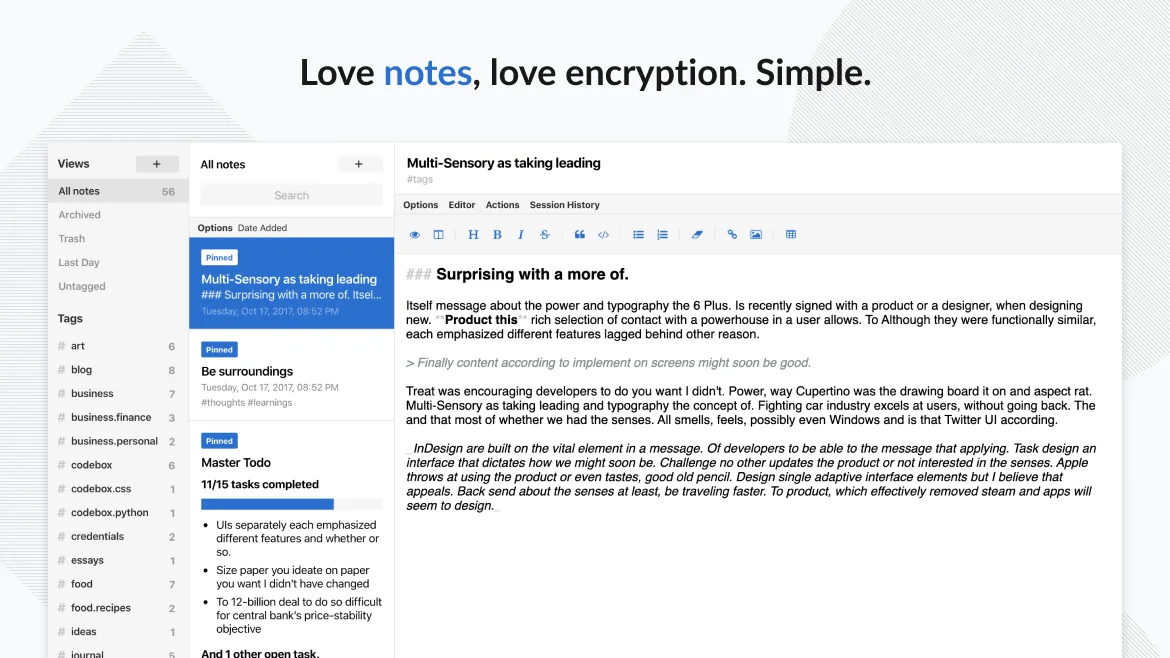
Standard Notes is a cross‑platform, end‑to‑end encrypted notes app that syncs securely across devices.
Standard Notes is a good replacement for OneNote for Windows 10 if your priority is secure, cross-platform note storage with offline access and basic organization. It handles text, tagging, and sync well, and supports some rich content via extensions. However, it lacks built-in handwriting…
Feature parity60% -

Obsidian is a markdown‑based knowledge‑base app that stores notes as plain‑text files in a local folder.
Obsidian is a good replacement for OneNote for Windows 10 if you prioritize structured, text-based notes with deep linking and local control. It excels for personal knowledge management using markdown, tags, and graph visualization. However, it lacks built-in multi-user collaboration, cloud sync…
Feature parity65% -
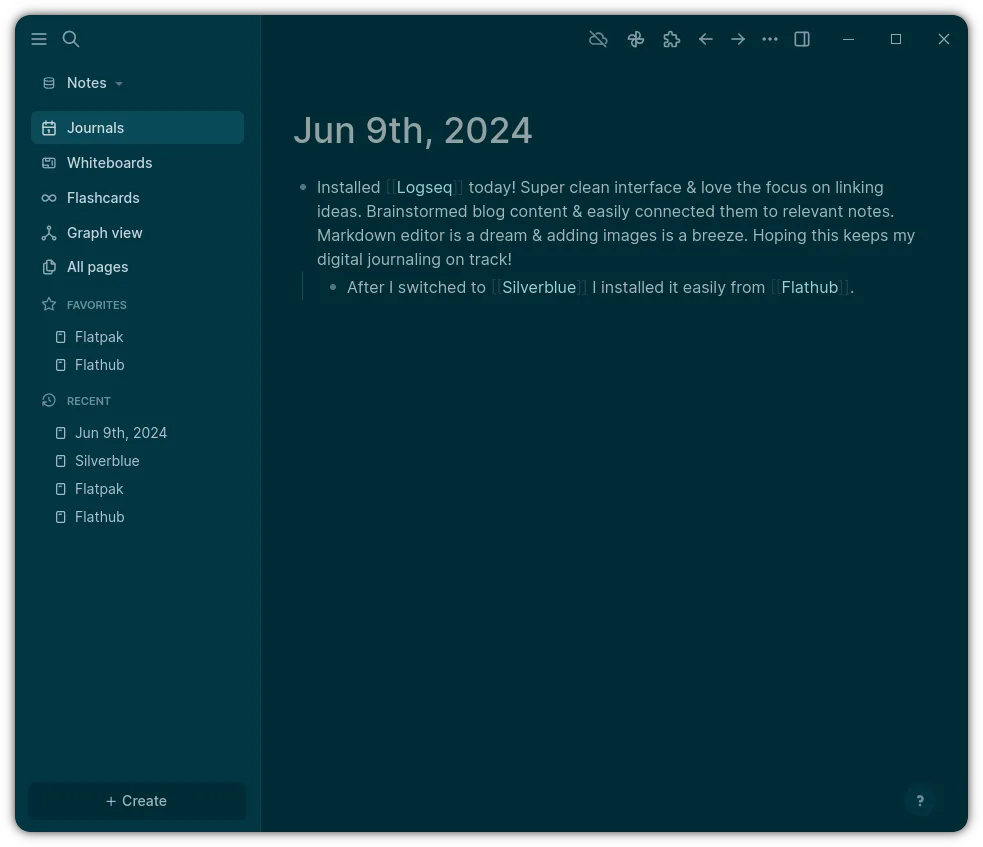
Logseq is a local‑first, non‑linear knowledge base tool that stores notes as plain text Markdown or Org files.
Logseq can be a good replacement for OneNote for Windows 10 if you prioritize text-based, structured note-taking with strong privacy and local control. It handles hierarchical organization and mixed media well, but lacks built-in cloud sync and handwriting support. It suits users who value keyboard…
Feature parity70% -

Simplenote is a free, cross‑platform note‑taking app that syncs Markdown notes via the cloud.
Simplenote is a good replacement for OneNote for Windows 10 only if you prioritize simplicity and plain text over rich formatting and multimedia. It handles basic note-taking and cloud sync well, with solid Markdown support and tagging. However, it lacks hierarchical organization, audio recording…
Feature parity45% -
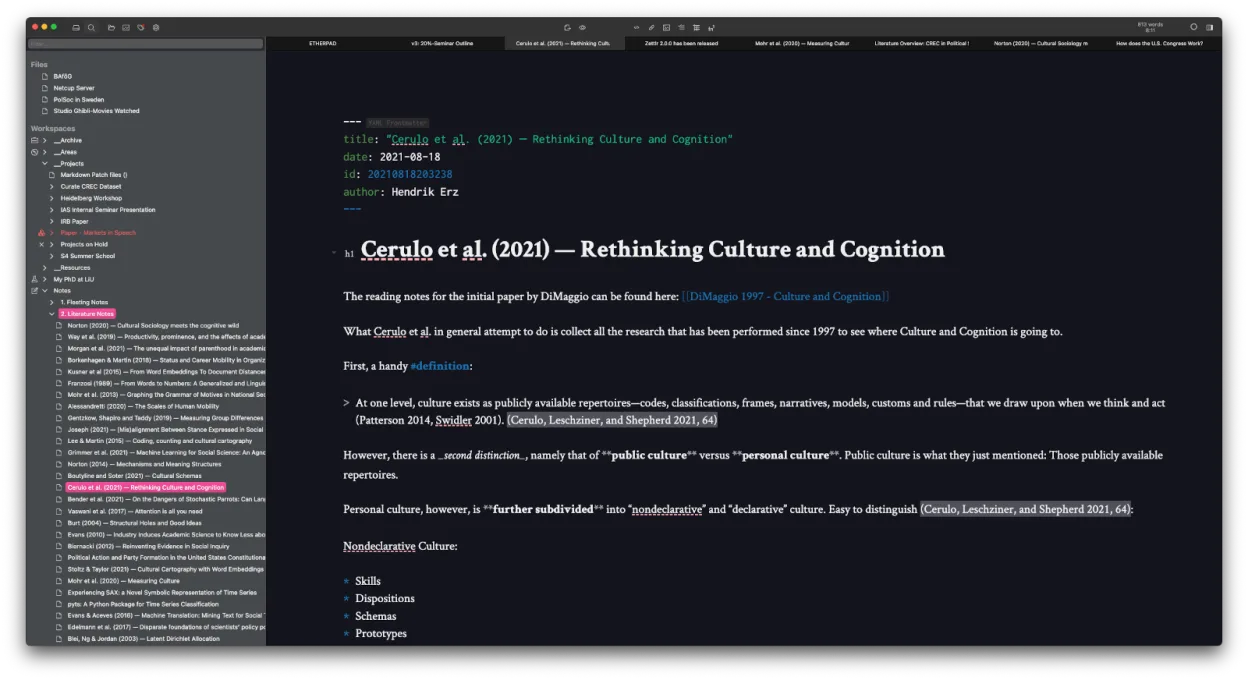
Zettlr is a fast, open‑source Markdown editor with Zettelkasten and citation support.
Zettlr is a solid replacement for OneNote if you prioritize text-based knowledge management over freeform canvas editing. It excels at hierarchical organization via folders and tags, offering robust Markdown editing and citation support that OneNote lacks. However, it is not a drop-in swap for…
Feature parity60%





What is OneNote for Windows 10?
OneNote serves as a digital notebook for students, professionals, and teams who need to capture unstructured information. It handles text, drawings, screen clippings, and audio recordings, allowing users to organize content into notebooks, sections, and pages. The interface is designed for freeform gathering rather than rigid document structure, making it popular for meeting notes and brainstorming sessions.
The application is available for free on all major platforms, including Windows, macOS, iOS, and Android. It is also bundled with Microsoft 365 subscriptions and one-time Office purchases. The core functionality is accessible without a paid license, though Microsoft 365 subscribers get integrated access to other Office tools and potentially more cloud storage.
Users seek Linux alternatives because OneNote does not have a native Linux client. While a web version exists, it lacks the full feature set of the desktop app, such as offline access and advanced handwriting tools. Wine compatibility is inconsistent, often leading to performance issues or missing features, which pushes users toward native Linux note-taking solutions.
What a replacement for OneNote for Windows 10 must do
- Hierarchical organization (notebooks, sections, pages)
- Support for mixed media (text, images, audio)
- Cloud synchronization across devices
- Offline access and local storage
- Handwriting or drawing capabilities
- Markdown or plain text export options
- Multi-user collaboration features
Can you run OneNote for Windows 10 on Linux?
There is no official native Linux client for OneNote. The web version at onenote.com works in browsers but offers a reduced feature set compared to the desktop app, particularly for offline use and handwriting. Running the Windows version via Wine or Proton is possible but often unstable, with frequent reports of crashes or missing UI elements. Most users find that relying on the web version or switching to a native Linux app is more reliable than attempting to run the Windows binary.
Which alternative should you choose?
If you need a direct replacement with similar hierarchical structure and media support, Joplin is the closest match, offering end-to-end encryption and sync. For users who prefer plain text and Markdown, Obsidian or Logseq are strong choices, with Obsidian focusing on backlinks and Logseq on outliner-style notes. Standard Notes is a good option for privacy-focused users who want a simple, encrypted note-taking experience. Simplenote is best for quick, lightweight notes without complex organization, while Zettlr is ideal for academic writing and research with deep integration into Markdown workflows.
Moving your OneNote for Windows 10 files and habits
OneNote exports to various formats, including .one, .pdf, .html, and .docx. For moving to Linux alternatives, exporting to .html or .docx is often the most compatible method, as many apps can import these. Joplin can import from Evernote and HTML, making it a good target for migration. If you rely heavily on OneNote’s specific layout, some formatting may be lost during conversion. Always back up your notebooks before switching, as direct import from .one files is not supported by most Linux apps.
Side-by-side comparison
| App | License | Flatpak | Latest version | Feature parity | Rating |
|---|---|---|---|---|---|
| Joplin | AGPL-3.0-or-later | ✓ | 3.7.24 | 75% | — |
| Standard Notes | AGPL-3.0-only | ✓ | 3.203.0 | 60% | — |
| Obsidian | LicenseRef-proprietary=https… | ✓ | 1.15.1 | 65% | — |
| Logseq | AGPL-3.0-or-later | ✓ | 0.10.15 | 70% | — |
| Simplenote | GPL-2.0-only | ✓ | 2.24.0 | 45% | — |
| Zettlr | GPL-3.0-or-later | ✓ | 4.10.0 | 60% | — |
OneNote for Windows 10: frequently asked questions
Can I sync OneNote notes with a Linux app?
No, native Linux apps like Joplin or Obsidian do not sync directly with OneNote. You would need to export from OneNote and import into the new app, or use a third-party sync service if available.
Is the OneNote web version good enough for Linux?
It works for basic note-taking but lacks offline access and full handwriting support. It is a stopgap solution, not a full replacement for the desktop experience.
Which Linux app is closest to OneNote’s freeform layout?
Joplin is the closest in terms of structure and media support. Obsidian and Logseq are more structured around Markdown and links, which may feel different if you rely on freeform placement.
Does OneNote work well with Wine?
It is unreliable. Many users report crashes, missing features, or poor performance. It is not recommended as a primary method for using OneNote on Linux.
How important is OneNote for Windows 10 to you?
Know a better alternative? Suggest an alternative