
Windows · Graphics
Best Linux alternatives to PaintTool SAI
Lightweight Windows raster editor for line art and coloring, with strong brush stability and low resource usage.
Updated
Quick answer
The best Linux alternative to PaintTool SAI is Krita. Other strong options: MyPaint, GIMP, Pencil2D.
4 Linux alternatives to PaintTool SAI
-

Krita is a full‑featured open‑source digital painting and illustration program.
Krita can replace PaintTool SAI for most artists who need line‑art stability, pressure‑sensitive brushes, and basic layer work. It is heavier than SAI but still runs comfortably on modest hardware, and it adds a lot of extra tools that you may never use. If you value a tiny footprint and a UI that…
Feature parity78% -
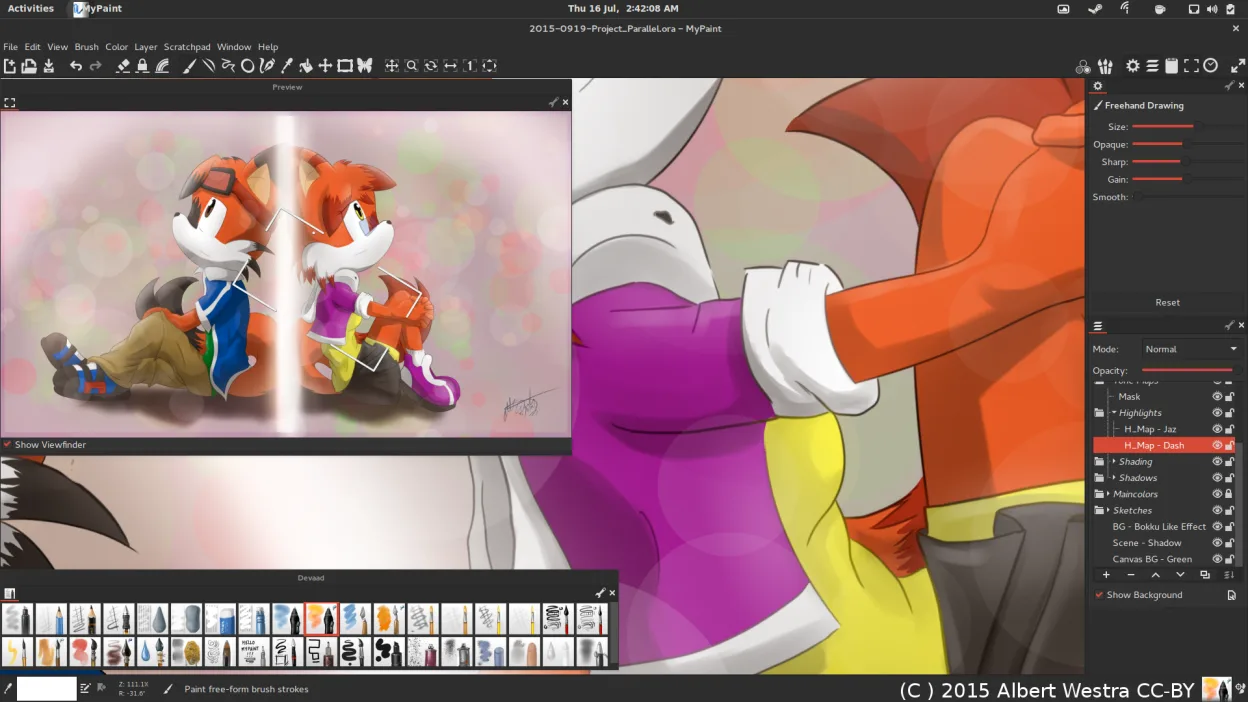
MyPaint is a fast, free, open‑source raster painting program focused on brush dynamics and tablet use.
MyPaint is a strong replacement for artists who prioritize brush feel and tablet interaction over complex editing tools. It excels at line art and coloring with a highly configurable brush engine and low resource usage, matching SAI's lightweight nature. However, it lacks SAI's dedicated…
Feature parity75% -
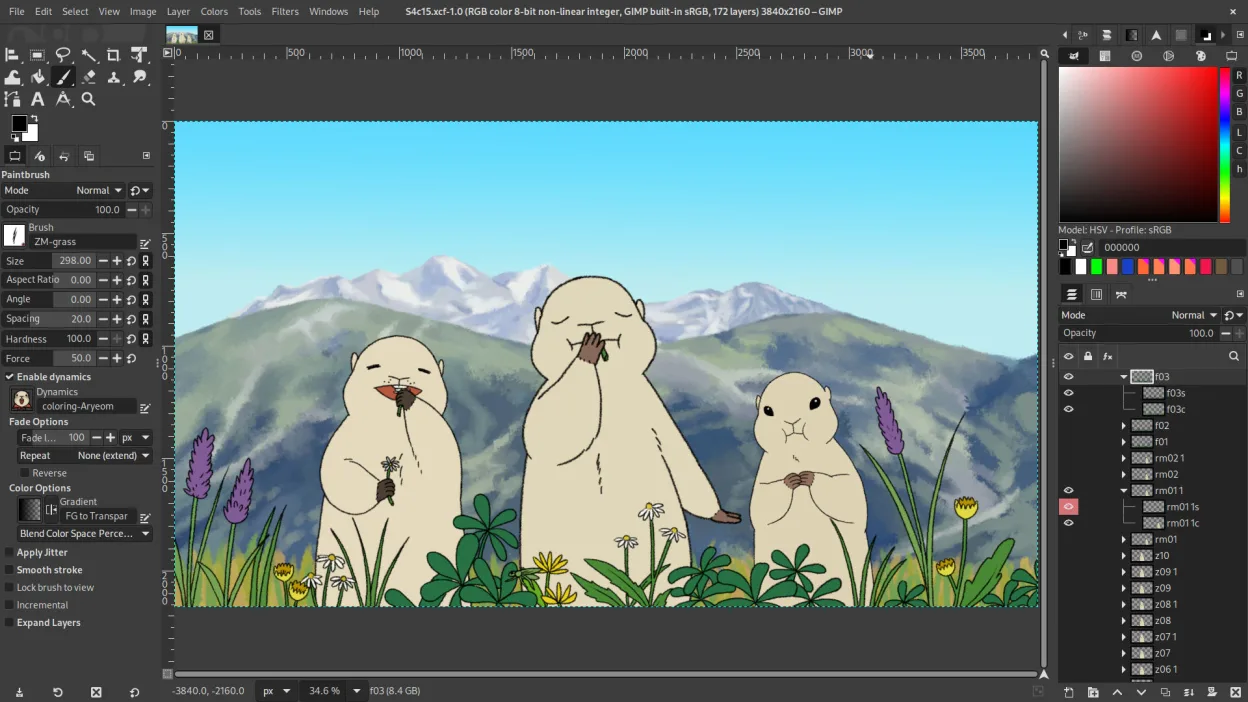
GIMP is a free, open-source raster graphics editor for photo editing, digital painting, and image composition.
GIMP is a capable, free alternative to PaintTool SAI, though it lacks SAI's signature lightweight footprint and specific stabilization tools. It excels in layer management, blending modes, and format support, making it suitable for users who need a robust, extensible raster editor and are willing…
Feature parity75% -
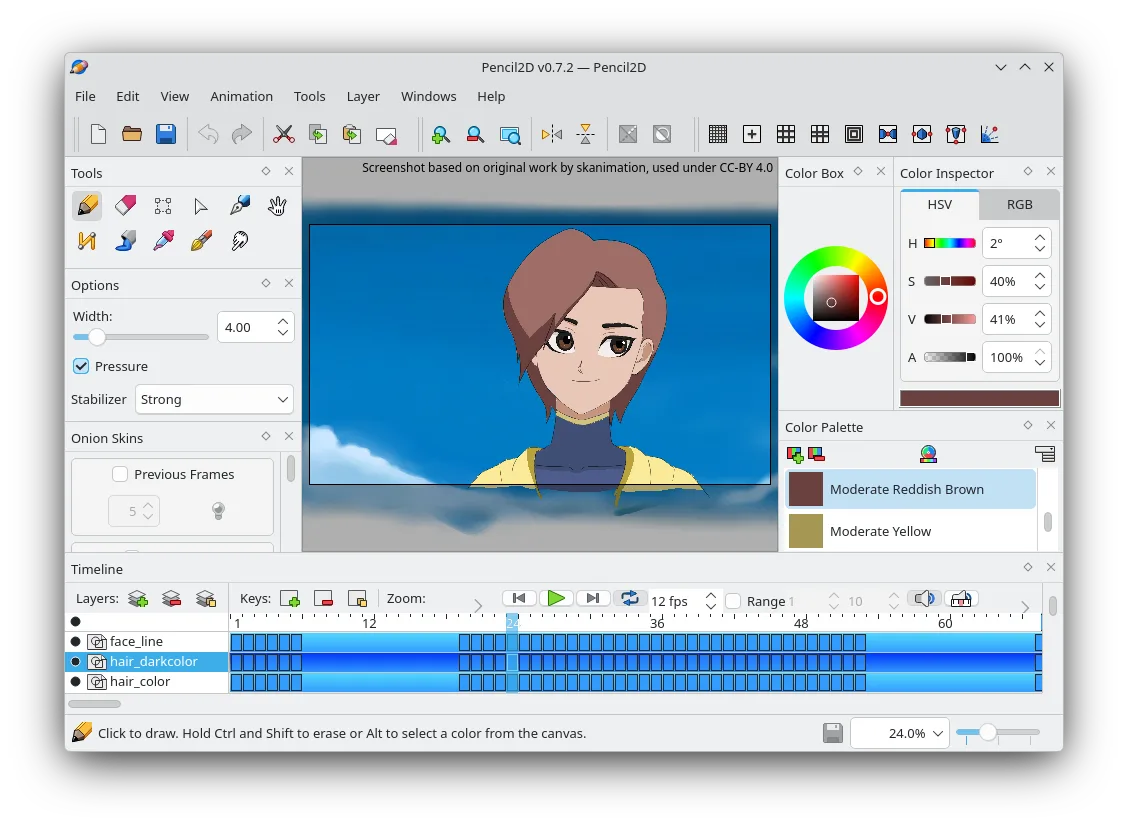
Pencil2D is an open‑source 2D animation tool for hand‑drawn vector and bitmap graphics.
Pencil2D is not a direct replacement for PaintTool SAI. SAI is a static raster editor focused on line art stability and coloring, while Pencil2D is a dedicated 2D animation tool. If you only need to draw single images, Pencil2D feels clunky due to its timeline-centric interface. However, if your…
Feature parity45%


What is PaintTool SAI?
PaintTool SAI is a dedicated raster painting tool popular among illustrators and comic artists. It excels at creating clean line art and flat colors, offering a focused interface that avoids the clutter of general-purpose image editors. Users choose it for its responsive brush engine, which handles pressure sensitivity and stabilization well for detailed digital drawing.
The software is a paid, proprietary application developed by Koji Komatsu and published by Systemax. It is not open-source. While it has been a staple in the Windows ecosystem for over a decade, it lacks a native Linux release, which is a significant barrier for users who have switched operating systems.
People seek Linux alternatives primarily because SAI does not run natively on Linux. While some users attempt to run it via Wine, the experience can be inconsistent, particularly regarding pressure sensitivity and performance. Native Linux painting tools offer better integration with graphics tablets and system resources, ensuring a smoother workflow for daily illustration work.
What a replacement for PaintTool SAI must do
- Pressure-sensitive brush engine
- Line art stabilization tools
- Layer management and blending modes
- Lightweight resource usage
- Selection and masking features
- Export to standard image formats
Can you run PaintTool SAI on Linux?
There is no native Linux version of PaintTool SAI. It is a Windows-only application. You can try running it using Wine or Proton, but success varies depending on your specific graphics tablet driver and Linux distribution. Many users report that pressure sensitivity works, but performance and stability are not guaranteed. If you rely on SAI for professional work, testing with Wine is risky compared to using a native alternative.
Which alternative should you choose?
Krita is the closest functional replacement, offering a professional-grade brush engine and a dedicated interface for painting and animation. MyPaint is a good choice if you prioritize a distraction-free, full-screen painting canvas with a focus on brush feel. GIMP is better if you need a general-purpose image editor with advanced selection and filtering tools, though it is less focused on pure painting. Pencil2D is ideal for simple 2D animation and frame-by-frame drawing. Inkscape is not a suitable replacement as it is a vector editor, not a raster painting tool.
Moving your PaintTool SAI files and habits
PaintTool SAI uses its own proprietary .sai and .sai2 file formats. Linux alternatives like Krita and GIMP cannot open these files directly. You must export your work from SAI as a layered format, such as PSD or TIFF, before transferring it to Linux. Krita supports PSD import and export well, making it the easiest target for migrating complex projects. For simple line art, exporting as PNG or JPEG is sufficient. Note that some brush settings and layer effects may not translate perfectly between the two programs.
Side-by-side comparison
PaintTool SAI: frequently asked questions
Does PaintTool SAI work on Linux with Wine?
It can work, but it is not guaranteed. Pressure sensitivity and performance depend on your hardware and driver setup. Many users find native tools more reliable for daily use.
Which Linux app is closest to SAI?
Krita is generally considered the closest match due to its focus on digital painting, brush engine, and layer management. MyPaint is also a strong contender for a minimal, brush-focused experience.
Can I open .sai files in Krita?
No, Krita cannot open .sai or .sai2 files directly. You need to export your work from SAI as a PSD or TIFF file first.
Is SAI free to use?
No, PaintTool SAI is a paid, proprietary software. It is not open-source and requires a license key for full use.
How important is PaintTool SAI to you?
Know a better alternative? Suggest an alternative