
Windows · Graphics
Best Linux alternatives to Lightroom Mobile
Lightroom Mobile is a cloud‑based photo organizer and RAW editor for mobile devices, syncing edits across platforms.
Updated
Quick answer
The best Linux alternative to Lightroom Mobile is darktable. Other strong options: RawTherapee, digiKam, GIMP.
5 Linux alternatives to Lightroom Mobile
-
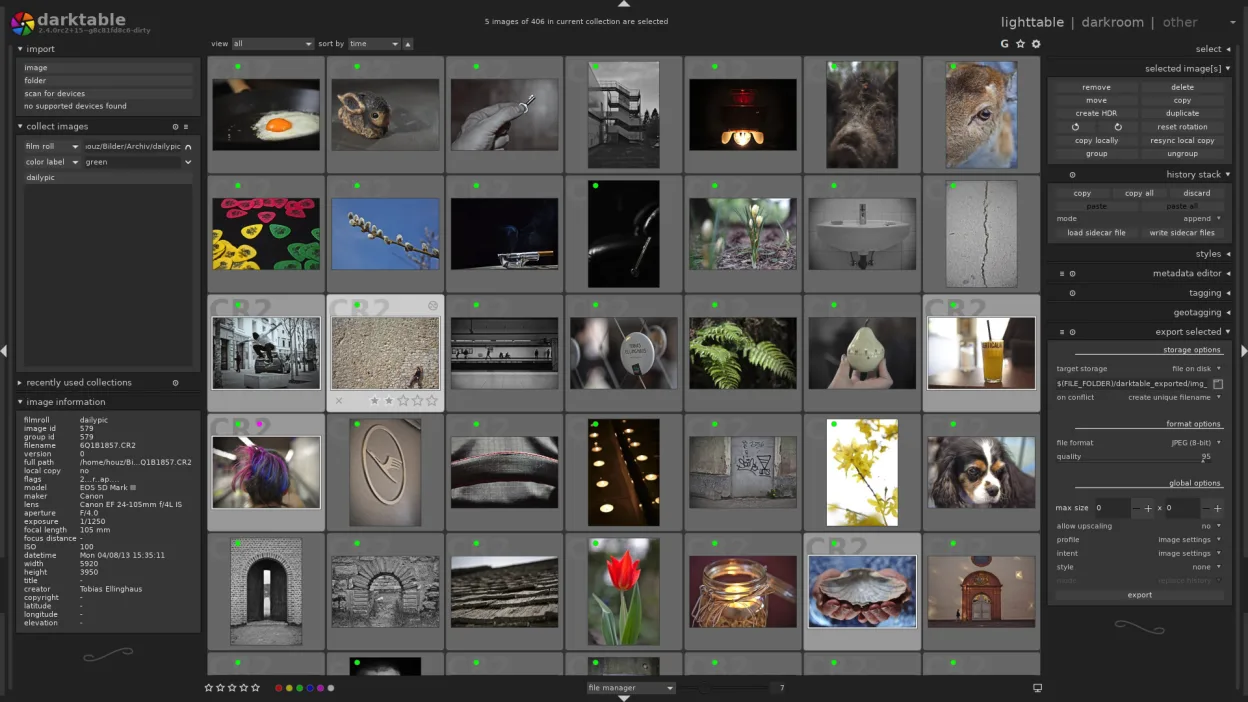
darktable is a free, open‑source photo editor that manages raw files and offers a full non‑destructive workflow.
darktable is a solid replacement for Lightroom Mobile for users who need a free, open‑source, non‑destructive RAW editor on Linux. It handles RAW import, editing, metadata tagging, and batch export, and offers a mobile‑friendly workflow through its lighttable and darkroom modes. It is best suited…
Feature parity75% -

RawTherapee is an open‑source, cross‑platform raw photo development program.
RawTherapee is a strong replacement for the editing core of Lightroom Mobile, but it is not a direct swap for the mobile workflow. It handles RAW development, non-destructive edits, and batch processing with high precision. However, it lacks the cloud-sync ecosystem and mobile app integration that…
Feature parity65% -
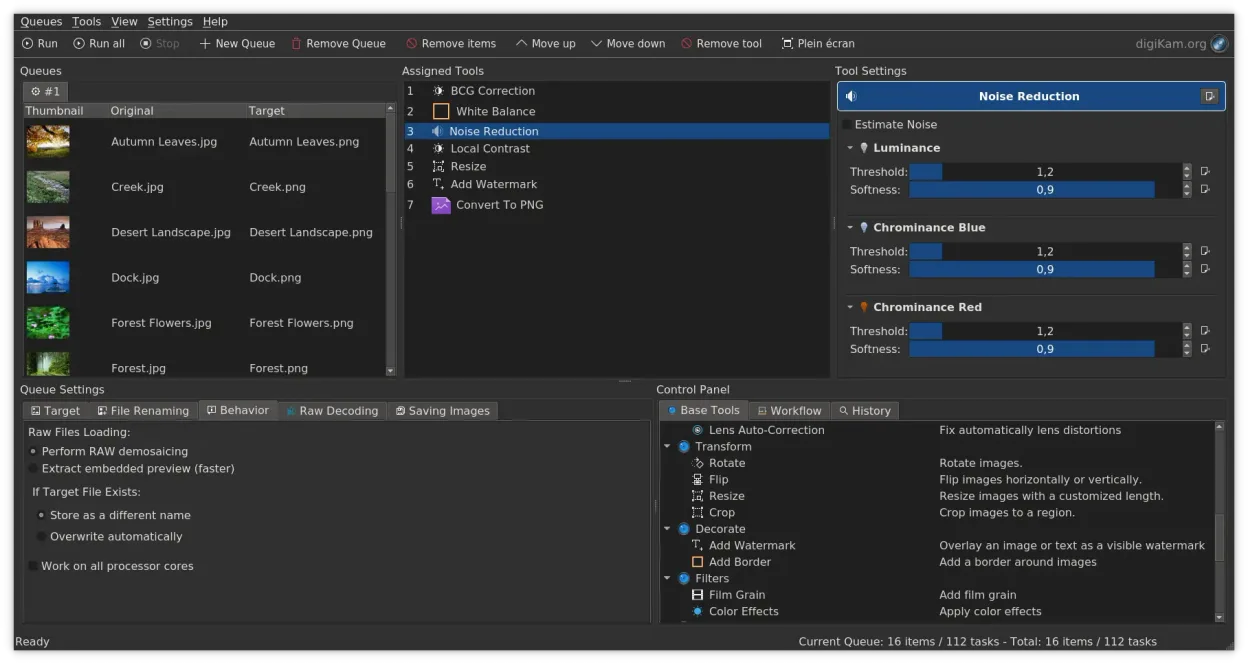
digiKam is a comprehensive KDE photo manager for organizing, tagging, and editing digital photos with strong RAW support.
digiKam can replace Lightroom Mobile for users who need a desktop‑centric workflow and prefer local storage over cloud syncing. It handles RAW import, non‑destructive editing, tagging, and batch export, but it lacks built‑in cloud sync and the mobile‑friendly UI of Lightroom Mobile. It is best…
Feature parity70% -
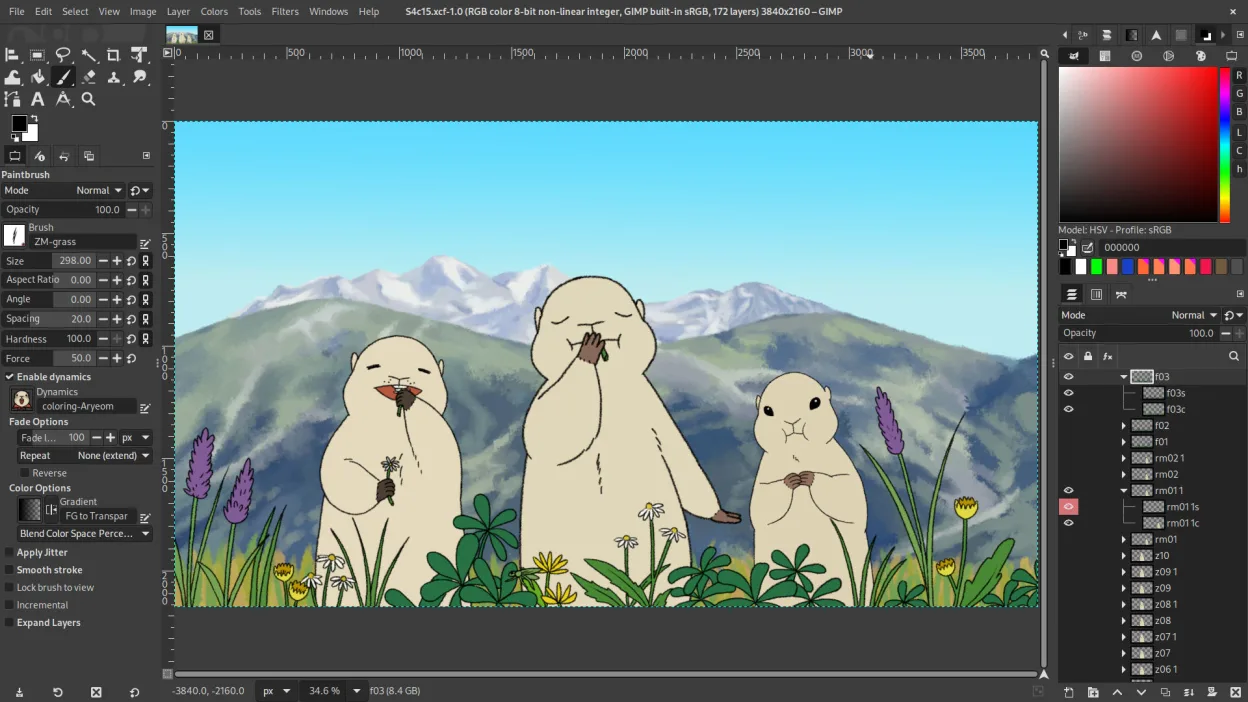
GIMP is a free, open-source raster graphics editor for photo editing, digital painting, and image composition.
GIMP can replace Lightroom Mobile for basic RAW editing and batch export, but it lacks the mobile‑first, cloud‑sync workflow that Lightroom offers. It is suitable for users who prefer a free, open‑source desktop editor and are comfortable with manual workflow steps. Those who need instant cloud…
Feature parity55% -
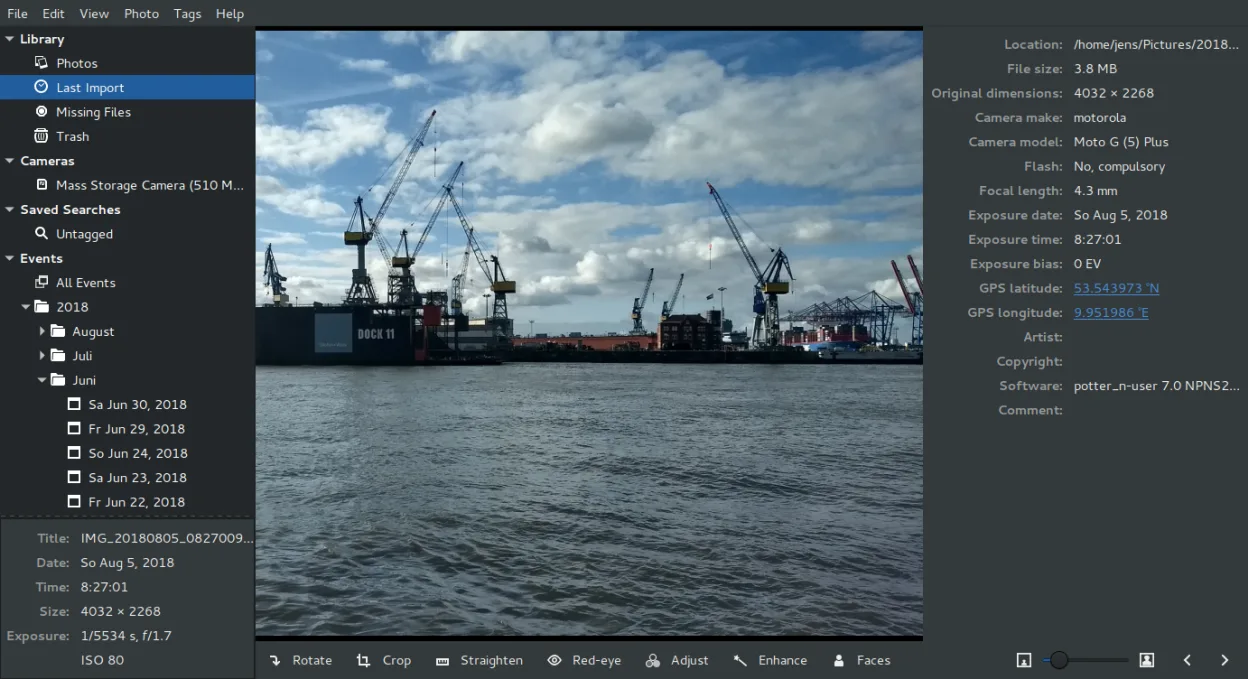
Shotwell is a GNOME photo manager for importing, organizing, and lightly editing images.
Shotwell can replace Lightroom Mobile for basic photo organization and light RAW editing on Linux, especially for users who need a quick, local solution without cloud sync. It works well for photographers who prefer a desktop workflow and already use GNOME. However, it lacks the full cloud…
Feature parity60%





What is Lightroom Mobile?
Lightroom Mobile lets photographers capture, organize, and edit images on their phones or tablets, then sync the workflow to desktop or web. The app is part of Adobe’s Creative Cloud subscription, with a free trial and a monthly fee for full access. Many users seek a Linux alternative because they prefer open‑source tools, want to avoid subscription costs, or need a workflow that runs natively on Linux systems.
The core of Lightroom Mobile is non‑destructive RAW editing, batch processing, and cloud storage integration. It also offers preset management, keyword tagging, and a simple sharing workflow. The interface is touch‑friendly, with gesture‑based adjustments and a streamlined export pipeline.
Linux users want comparable features: RAW support, metadata handling, and the ability to sync or back up images. Because Adobe’s mobile app is not available on Linux, people look for native replacements that can import Lightroom catalogs or export to common formats.
What a replacement for Lightroom Mobile must do
- RAW import and editing
- non‑destructive adjustments
- metadata tagging and organization
- batch export
- cloud or local backup
- mobile‑friendly workflow
- presets or filters
Can you run Lightroom Mobile on Linux?
There is no native Linux version of Lightroom Mobile. It can be run on Linux through Wine, but stability varies and touch gestures are not supported. No Proton or Bottles builds exist. No web‑based version is available.
Which alternative should you choose?
For photographers who need advanced RAW editing, darktable or RawTherapee are best. If you want a photo manager with tagging and basic editing, digiKam fits. For a GIMP‑like editor with some photo tools, GIMP works. Shotwell is suitable for simple organization and basic edits.
Moving your Lightroom Mobile files and habits
Export images from Lightroom Mobile as JPEG or DNG to transfer to Linux. Metadata can be preserved in XMP sidecar files. Import these files into the chosen Linux app; most support DNG and XMP. Catalogs from Lightroom Desktop can be exported to XMP or CSV and then imported into digiKam or darktable.
Side-by-side comparison
| App | License | Flatpak | Latest version | Feature parity | Rating |
|---|---|---|---|---|---|
| darktable | GPL-3.0+ | ✓ | 5.6.2 | 75% | — |
| RawTherapee | GPL-3.0+ | ✓ | 5.13 | 65% | — |
| digiKam | GPL-2.0+ | ✓ | 9.1.0 | 70% | — |
| GIMP | GPL-3.0+ AND LGPL-3.0+ | ✓ | 3.2.8 | 55% | — |
| Shotwell | LGPL-2.1+ | ✓ | 33.2 | 60% | — |
Lightroom Mobile: frequently asked questions
Is there a free version of Lightroom Mobile?
Lightroom Mobile offers a free trial but full functionality requires a Creative Cloud subscription.
Can I use Lightroom Mobile on a Linux tablet?
No, the app is not available for Linux; only Android, iOS, and Windows/macOS.
Does the Linux alternative sync with Lightroom?
Some tools, like darktable, can import Lightroom XMP presets, but full sync is not supported.
Will my edits be lost if I switch to Linux?
Edits made in Lightroom Mobile are stored in the cloud; you can export the edited images or XMP files before switching.
How important is Lightroom Mobile to you?
Know a better alternative? Suggest an alternative