
Windows · Graphics
Best Linux alternatives to Adobe Fresco
Adobe Fresco is a raster‑and‑vector drawing app aimed at digital painters using tablets and stylus pens.
Updated
Quick answer
The best Linux alternative to Adobe Fresco is Krita. Other strong options: MyPaint, GIMP, Inkscape.
6 Linux alternatives to Adobe Fresco
-

Krita is a full‑featured open‑source digital painting and illustration program.
Krita is a strong replacement for Adobe Fresco, especially for digital painters who value deep customization and open-source tools. It excels in raster painting with excellent pressure-sensitive brush engines, full layer support, masks, and blending modes. Artists using tablets will find Krita…
Feature parity90% -
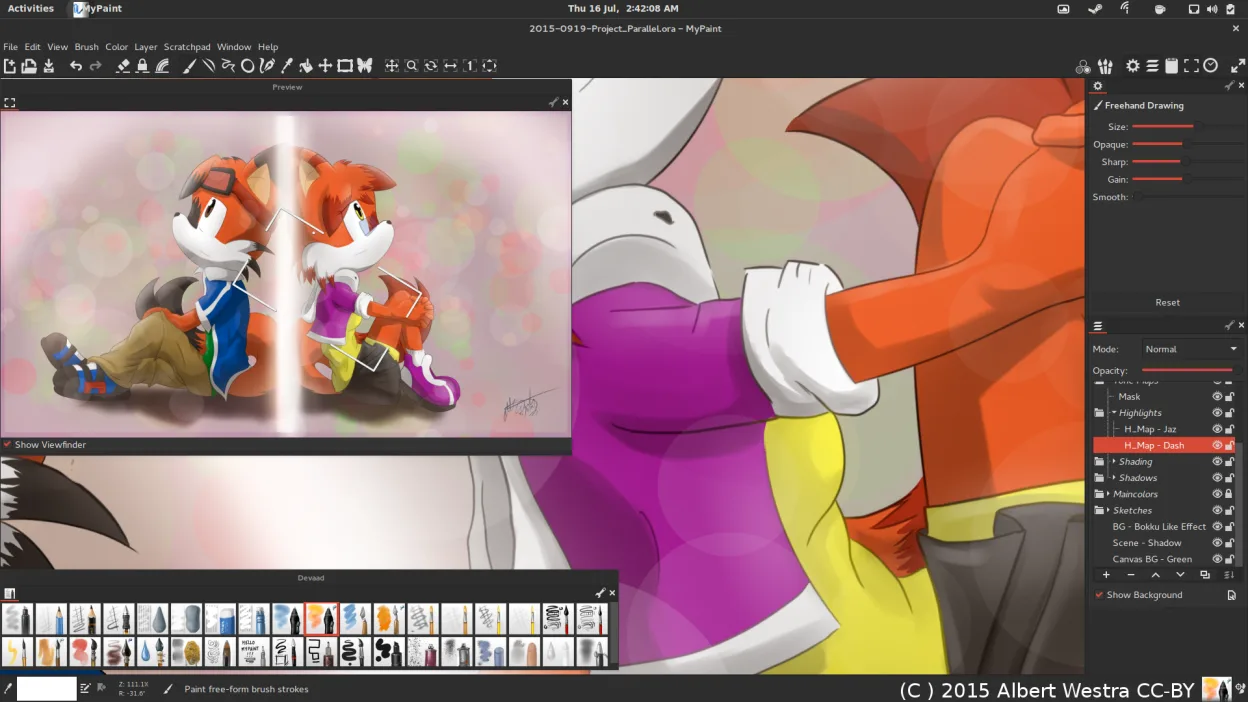
MyPaint is a fast, free, open‑source raster painting program focused on brush dynamics and tablet use.
MyPaint can replace Adobe Fresco for users who only need raster painting with a strong brush engine and tablet support. It lacks vector tools, advanced layer features, and native PSD handling, so it suits illustrators and concept artists who work mainly in raster and prefer a lightweight…
Feature parity70% -
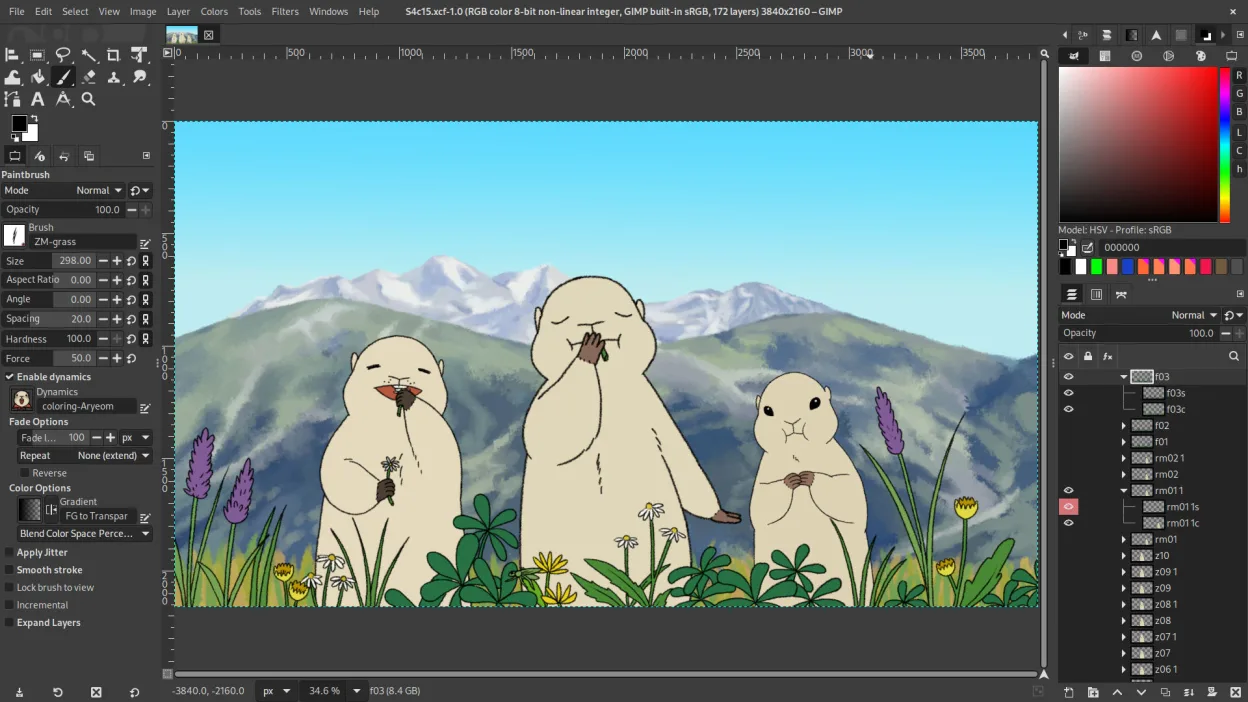
GIMP is a free, open-source raster graphics editor for photo editing, digital painting, and image composition.
GIMP is a capable replacement for Adobe Fresco if you focus on raster painting and layered image work, but it's not designed primarily as a natural drawing experience. It supports pressure-sensitive brushes, custom brushes, layers with blending modes and masks, and exports to PSD, PNG, and JPEG…
Feature parity75% -

Inkscape is a free, open‑source vector graphics editor that rivals Adobe Illustrator and CorelDRAW.
Inkscape is not a direct replacement for Adobe Fresco if you rely heavily on raster painting with pressure-sensitive brushes. It excels as a vector graphics editor, making it strong for precise illustrations, typography, and technical artwork, but lacks a natural raster brush engine. Artists…
Feature parity40% -
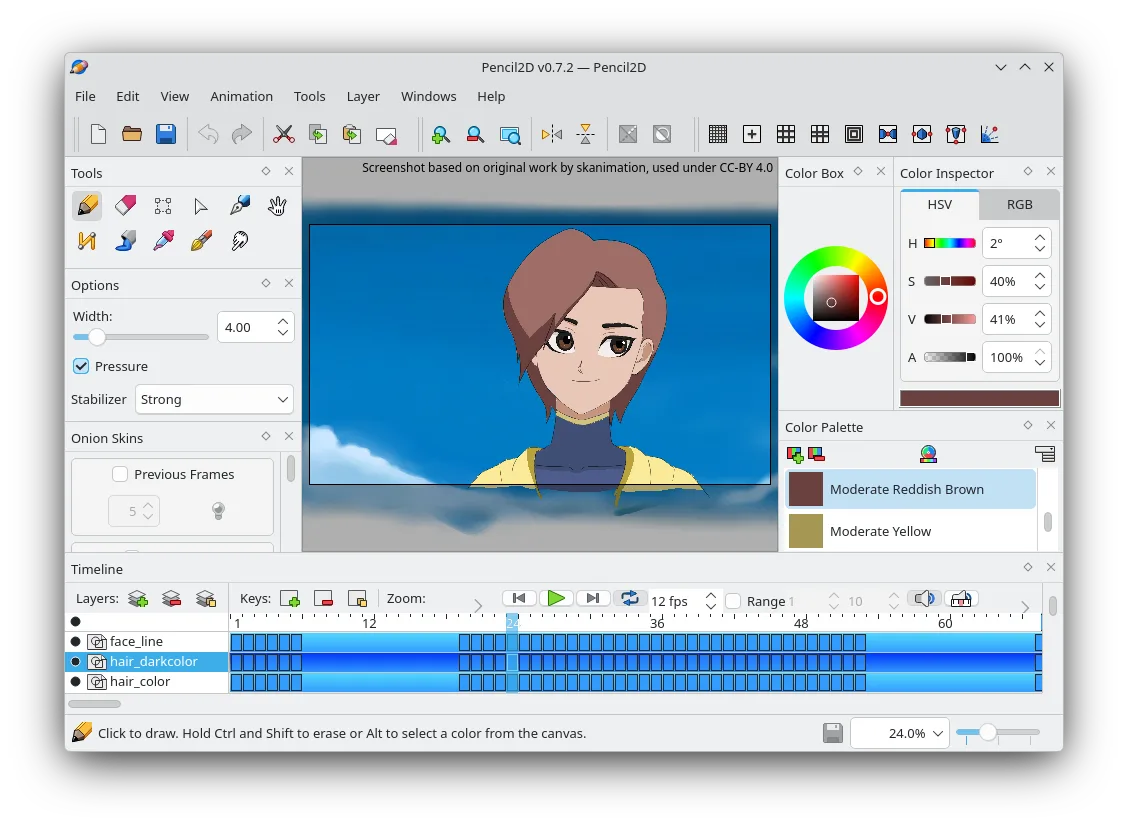
Pencil2D is an open‑source 2D animation tool for hand‑drawn vector and bitmap graphics.
Pencil2D can replace Adobe Fresco for users who mainly need a simple 2D animation workflow with basic bitmap and vector layers, onion‑skin, and export to PNG or GIF. It is suitable for hobbyists, animators, and educators who do not require advanced brush pressure, vector shape tools, or PSD…
Feature parity40% -
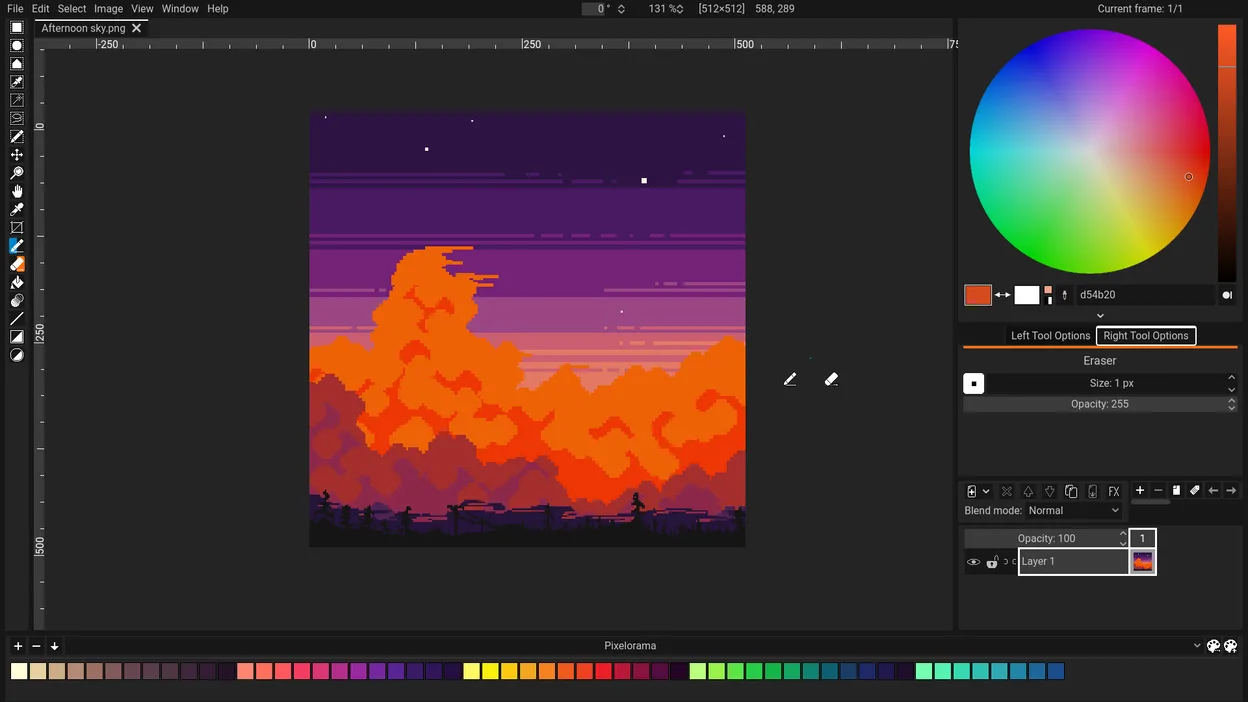
Pixelorama is a free, open-source pixel art editor and animation tool for Linux, suitable for sprites and tiles.
Pixelorama is not a good replacement for Adobe Fresco if you're doing digital painting with raster brushes or vector artwork. It's designed for pixel art and frame-by-frame animation, not freeform drawing with pressure-sensitive brushes. However, for artists focused on retro-style sprites, tiles…
Feature parity30%



What is Adobe Fresco?
Adobe Fresco is a drawing and painting tool that blends raster brushes with vector shapes, primarily used by illustrators, concept artists, and hobbyists on tablets. It offers a natural‑feel brush engine and layer‑based workflow, making it popular for sketching and detailed painting.
Fresco is sold through Adobe’s Creative Cloud subscription model; users pay a monthly or annual fee for access, and the software is tied to an Adobe account. There is no perpetual licence and the price includes cloud storage and regular updates.
Linux users cannot run the official Windows/macOS/iPad version directly, so they look for native Linux programs that provide comparable brush realism, layer handling, and file compatibility without needing a subscription.
What a replacement for Adobe Fresco must do
- Raster brush engine with pressure sensitivity
- Vector shape tools
- Layer support (blending modes, masks)
- Export to common formats (PSD, PNG, JPEG)
- Custom brush creation
- Tablet and stylus integration
- Non‑destructive editing
Can you run Adobe Fresco on Linux?
There is no native Linux build of Adobe Fresco, nor an official web version. It can be run through compatibility layers like Wine, but performance and stylus support are hit‑or‑miss, and you’ll still need a valid Creative Cloud subscription.
Which alternative should you choose?
Krita is the closest match for a full‑featured raster painting workflow with brush customization. MyPaint offers a lightweight, brush‑centric experience. GIMP handles raster editing and PSD import/export but lacks advanced brush dynamics. Inkscape covers vector needs. Pencil2D is useful for simple animation, while Pixelorama is a pixel‑art focused editor.
Moving your Adobe Fresco files and habits
Fresco can export files as PSD, PNG, or JPEG, which all the listed Linux apps can import. PSD files retain layers in Krita, GIMP, and Inkscape (vector parts). For vector‑only work, export SVG from Fresco and open it in Inkscape. Test a few files to verify layer fidelity before fully switching.
Side-by-side comparison
Adobe Fresco: frequently asked questions
Can I run Adobe Fresco on Linux with Wine?
It may launch, but brush latency and stylus pressure are unreliable, and you still need a Creative Cloud licence.
Is there a free Linux alternative with comparable brush quality?
Krita provides a professional brush engine for free and is actively maintained.
Will my PSD files keep layers when opened in GIMP?
GIMP imports PSD layers, but some advanced layer effects may be flattened or approximated.
Do any of the alternatives support vector brushes like Fresco?
Inkscape handles vector shapes, while Krita and MyPaint focus on raster brushes; you may need to combine tools for full coverage.
How important is Adobe Fresco to you?
Know a better alternative? Suggest an alternative